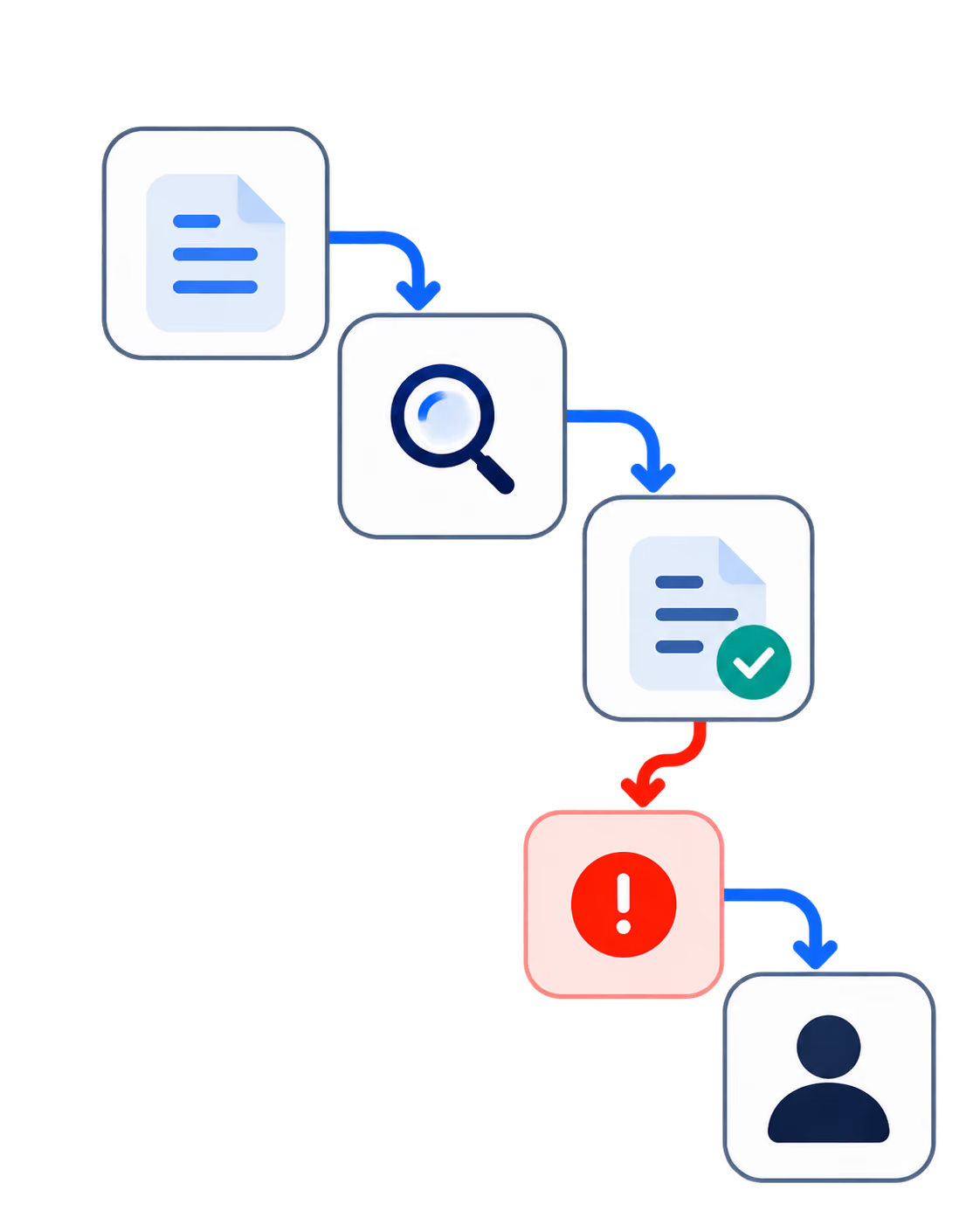
Most leadership teams can tell you where their operations slow down. Now, the question that matters is whether they can prove where these bottlenecks sit, why they persist, and what action follows from finding them.
This is where AI agents are supposed to help, but also where most deployments stall. The McKinsey 2025 Global Survey on AI reports that 88% of organisations use AI in at least one business function, but only about a third have begun scaling, and only 23% are scaling agentic AI anywhere in operations. It means that adoption is running ahead of operational maturity by a wide margin.
The reason is structural, as the agents can only analyze the workflow the company makes visible to them, such as event streams, status changes, ownership records, and exception patterns. When the real workflow lives in undocumented habits and Slack messages, the agent produces a clearer picture of the disorder.
This article explains how AI agents can identify workflow bottlenecks, what signals they need to do it well, why many companies are not ready to act on the findings, and what kind of architecture turns bottleneck detection into operational improvement.
For CEOs and CTOs, the value is in building a system that can prove the delay, assign ownership, and change how work moves through the company.
Why Proving a Workflow Bottleneck Is Harder Than Finding It
Producing evidence that pinpoints why a specific process is slow, in a form a finance committee or product council will accept, is harder than noticing the delay itself.
The diagnosis they reach for is usually wrong. A sales team that is slow to follow up gets called unproductive, when the actual cause is more often incomplete CRM data and routing rules that leave leads sitting in no one's queue.
Or a growing support backlog gets blamed on headcount but the constraint is more often a knowledge base nobody has maintained, or escalation paths that require manual intervention at every step.
And this pattern is consistent; while bottlenecks live in the workflow, the people inside the workflow are doing what the workflow allows. The recurring shapes:
- A queue with no defined owner.
- A system handoff that loses context on the way through.
- An approval step that exists because nobody trusts the underlying data.
- A manual reconciliation step between two tools that should be integrated.
- An exception path that became the normal path because nobody pruned it.
- A reporting delay that hides emerging problems until they get expensive to fix.
Companies that misdiagnose these patterns spend AI budget reinforcing them, and based on a recent studies, only 39% of organisations attribute any EBIT impact to their AI initiatives, and most of those report under 5%.
The useful question for a CTO is where does work lose ownership and context as it crosses system boundaries? Because that is where bottlenecks form and where any agent deployed on top will have to operate.
How AI Agents Detect Workflow Bottlenecks in Production
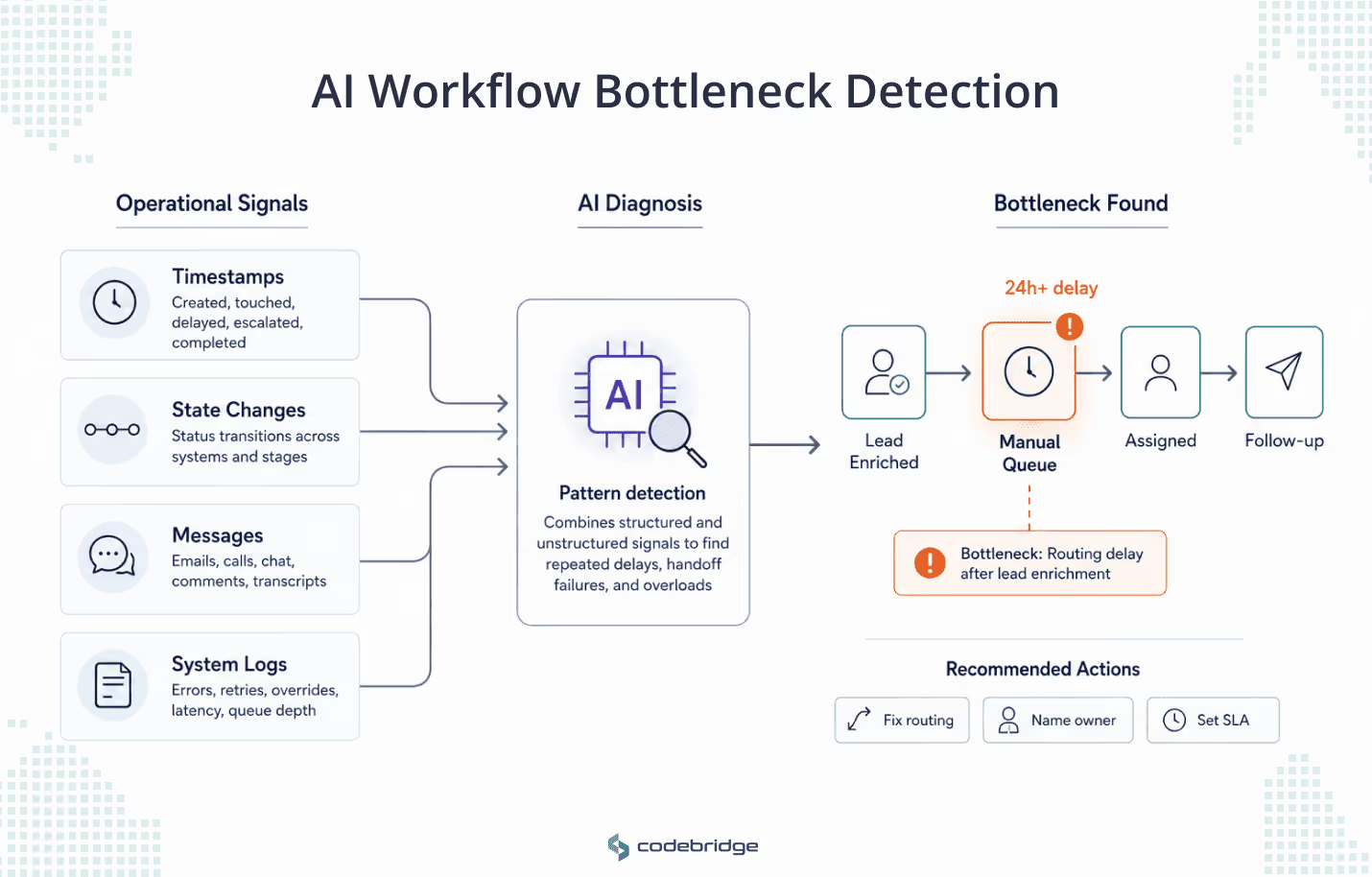
Unfortunately, in a production environment, AI agents do not see bottlenecks through the lens of a manager walking an office floor. They detect patterns by analyzing a continuous stream of different operational signals.
In our work with clients on AI automation projects, we usually see four signal categories carrying most of the diagnostic weight. They do not explain every operational problem, but they give agents enough evidence to move the conversation from “the process feels slow” to “this is where work gets stuck, this is how often it happens, and this is what it affects.”
- Event timestamps. When a task was created, touched, delayed, escalated, or completed.
- Workflow state changes. Status shifts across systems: CRM stages, order states, patient workflow states.
- Communication and context data. Unstructured signal from emails, call transcripts, Slack and Teams threads, CRM comments.
- System logs and usage data. API failures, retry patterns, manual overrides, queue latency.
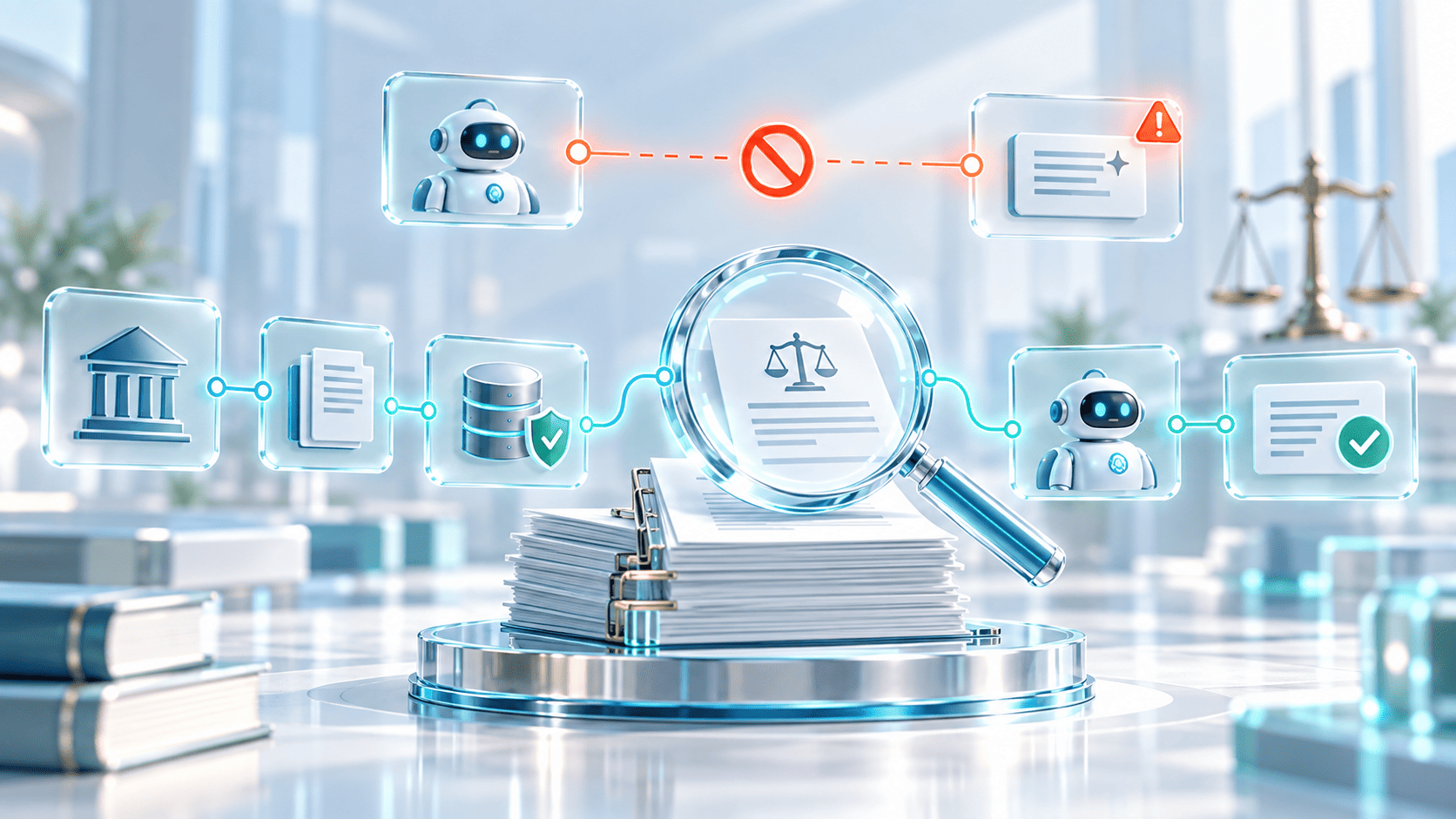
By synthesizing these signals, agents can identify repeated waiting points, handoff failures, and overloaded roles that are invisible to manual audits. This process is deeply rooted in the discipline of process mining, which uses system event logs to reconstruct business processes.
Process mining on its own gives a retrospective map, but agents extend it in two ways: they read unstructured signals that do not live in event logs (comments, transcripts, free-text fields), and they reason about state in close to real time.
Take a SalesTech case. Take a standard SalesTech scenario. A company may believe its primary bottleneck is sales rep activity. However, an AI agent reviewing CRM timestamps and email response timing might find that reps are actually performing well, but that qualified leads are sitting in an unassigned manual queue for more than 24 hours after enrichment. The bottleneck is the routing rule, not the people. The fix in this case is to redefine the routing logic, name an owner for the queue, and write the SLA that the queue should have had.
The diagnosis at that point is precise and defensible. Whether the company can act on it is a separate question.
Why Most Companies Aren't Ready to Act on AI Agent Findings
A pilot agent can be deployed in weeks, and the bottleneck can be found in one analysis. But acting on what it finds is harder, because the finding usually points to something the company has avoided fixing.
The agent may show that leads are delayed because marketing and sales do not share clear ownership. Or it may show that support tickets wait because the product context lives in scattered notes. At that point, the issue is not the agent, now it is the workflow around it.
This is why many companies are not ready to act. The agent can expose the bottleneck, but fixing it means changing responsibilities, integrations, approval rules, or team habits. Most companies are ready for the insight, but from our experience, fewer are ready for the operational change behind it.
Without that structure, the company can see the bottleneck more clearly, but nobody owns the decision that removes it.
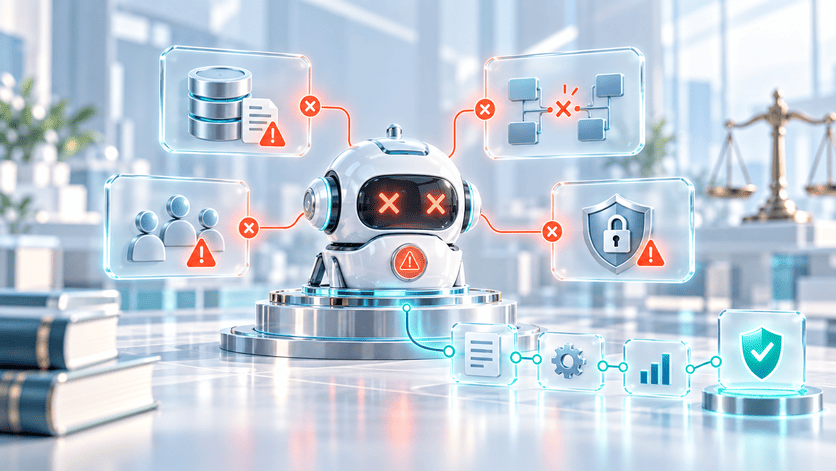
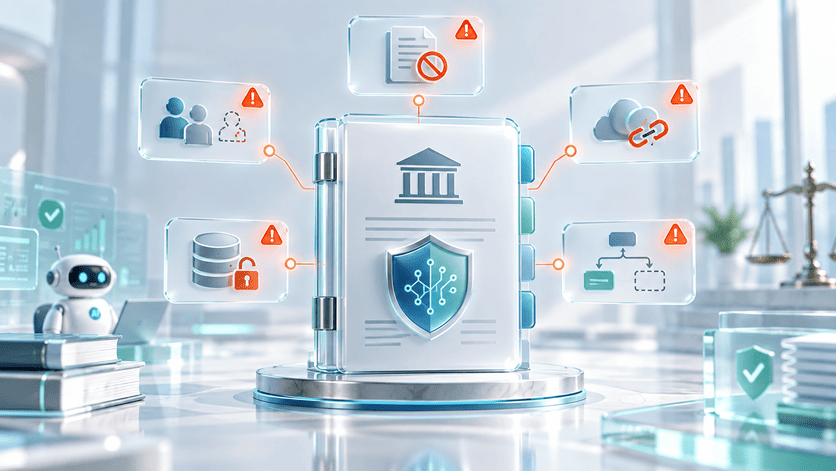
Three problems usually sit underneath. Each can stop the company from acting, even when the agent is right.
1. The Workflow is Not Defined.
The handbook version and the operating version are different processes. The real one lives in Slack threads, personal spreadsheets, and the institutional memory of two or three senior people. An agent will find dozens of variants. The company has no standard to call correct, so it has nothing to enforce.
2. The Data is Not Decision-Grade.
Timestamps are inconsistent, status names mean different things in different systems, and ownership fields are missing or stale. When the same label carries different meanings across tools, the patterns the agent surfaces cannot be trusted for high-stakes decisions.
3. No One Owns the Bottleneck
The patterns sit between teams. Sales points at marketing, support points at product, product points at engineering. The agent confirms the pattern exists but does not assign it to anyone. Ownership is a human decision the company has to make first.
Without these three preconditions, there is nothing to build an action architecture on. With them, the architecture becomes possible: detection events route to a named owner, the agent acts within defined authority, humans approve what sits outside that authority, and the company can tell whether the intervention worked.
Building an AI Bottleneck Detection System: Five Components of Action Architecture
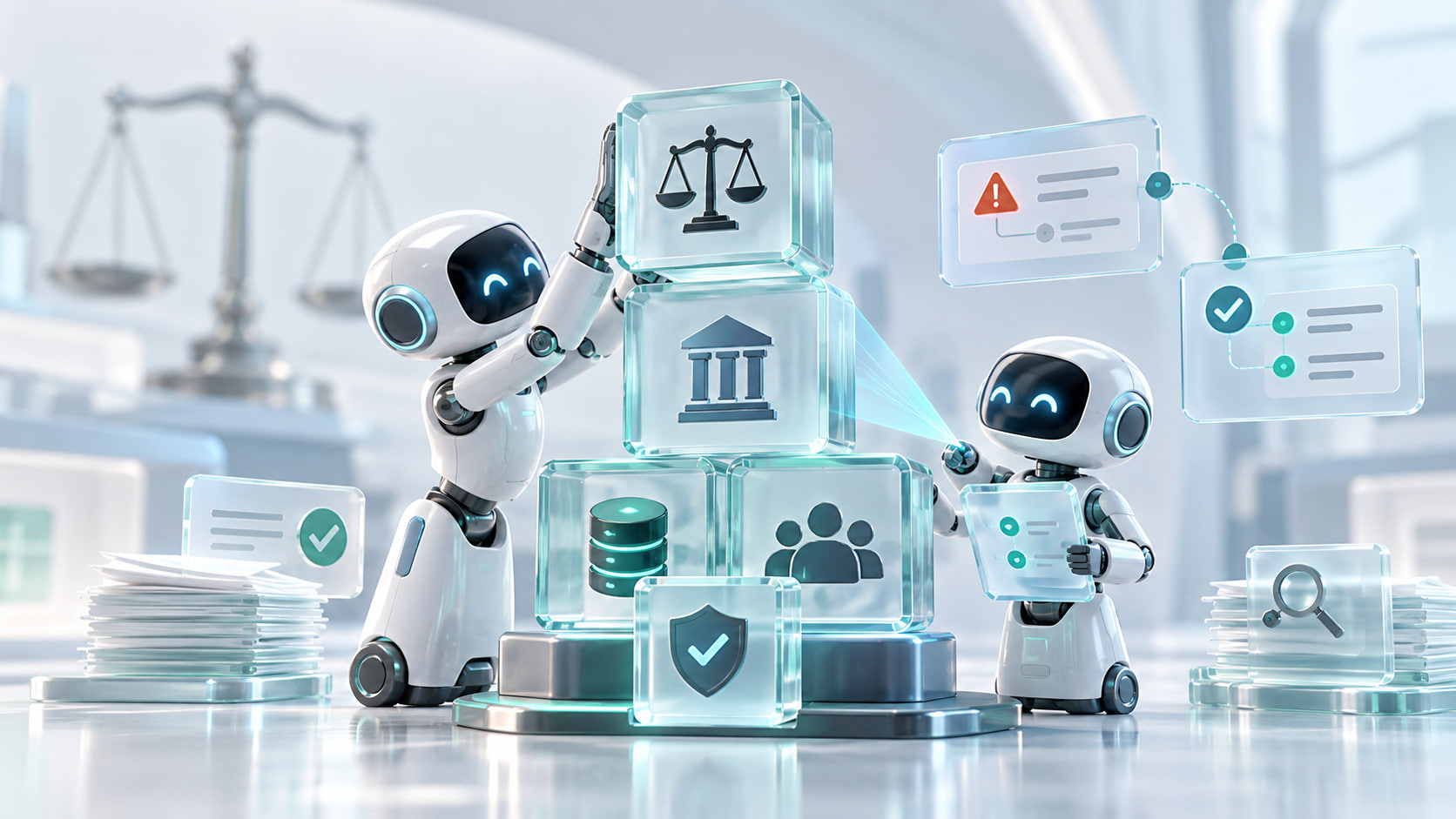
A useful bottleneck detection system is not just an AI agent sitting on top of company data. The agent needs a workflow intelligence layer around it. The map of how work actually moves, the signals that prove where it slows down, and the rules for what happens after a bottleneck is found. Here they are.
Industry research on AI high performers points in the same direction. The report says that the companies seeing stronger results are more likely to redesign workflows and track KPIs around AI solutions.
In practice, the most valuable work is designing the data flows, permissions, and feedback loops that let the agent’s diagnosis become a real operational improvement.
Where to Start: Running a 30-Day AI Agent Pilot
Start with one workflow. The pilot needs to be small enough to complete in 30 days, and consequential enough that the finding earns a budget conversation.
Strong first candidates, by industry:
- SalesTech and CRM: lead qualification, routing delays, marketing-to-sales handoffs.
- HealthTech: patient intake, diagnostic coordination, care team handoffs.
- EdTech: learner onboarding, tutor matching, progress intervention.
- SaaS and internal ops: support escalation, feature request triage, QA and release bottlenecks.
The 30-day Diagnostic Pilot
- Choose one workflow with a measurable business impact.
- Map the workflow from system data: timestamps, state transitions, and ownership records.
- Identify the top three recurring delay points.
- Validate the findings with the people running the process.
- Define one action the agent can handle: a notification, a routing trigger, a low-risk field update.
- Test the agent's authority under human review before any wider rollout.
- Measure cycle time and error rate against the baseline.
After the seven steps, the company has an instrumented workflow, a defined agent surface, a named owner for the bottleneck, and evidence that one intervention either worked or did not. That is the foundation an action architecture needs.
Companies that are not ready for autonomous agents should start with these four things: workflow visibility, decision-grade data, clear ownership, and the integration architecture that holds them together. That is the reliable path from diagnosis to action.

















Heading 1
Heading 2
Heading 3
Heading 4
Heading 5
Heading 6
Lorem ipsum dolor sit amet, consectetur adipiscing elit, sed do eiusmod tempor incididunt ut labore et dolore magna aliqua. Ut enim ad minim veniam, quis nostrud exercitation ullamco laboris nisi ut aliquip ex ea commodo consequat. Duis aute irure dolor in reprehenderit in voluptate velit esse cillum dolore eu fugiat nulla pariatur.
Block quote
Ordered list
- Item 1
- Item 2
- Item 3
Unordered list
- Item A
- Item B
- Item C
Bold text
Emphasis
Superscript
Subscript