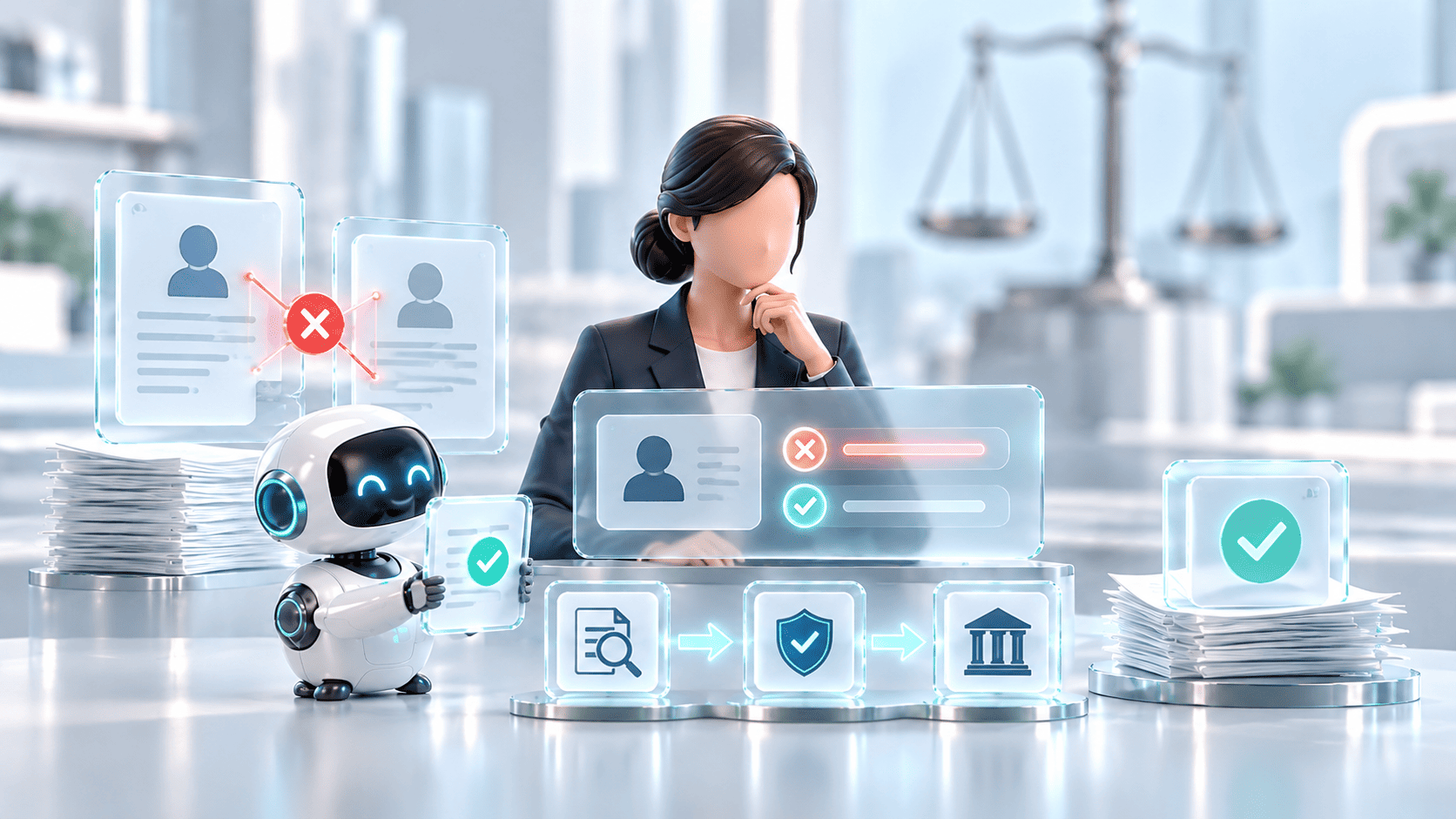
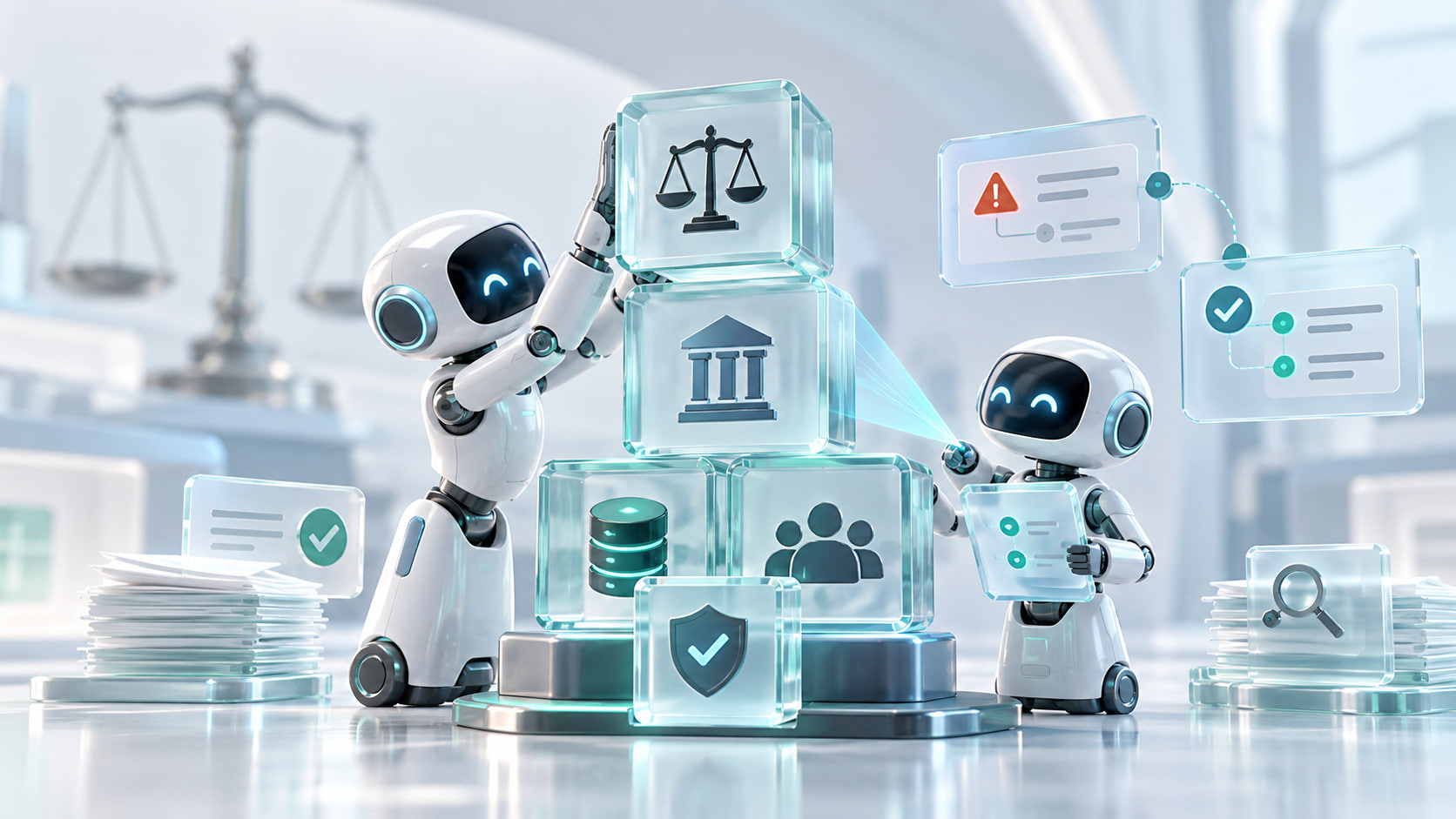
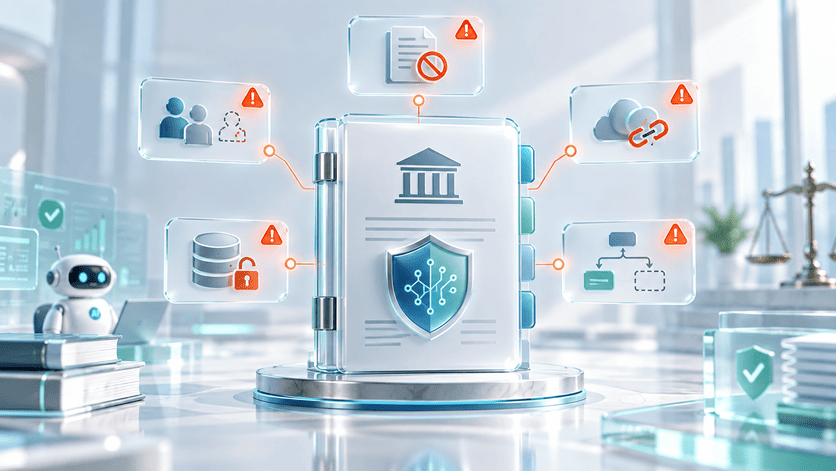
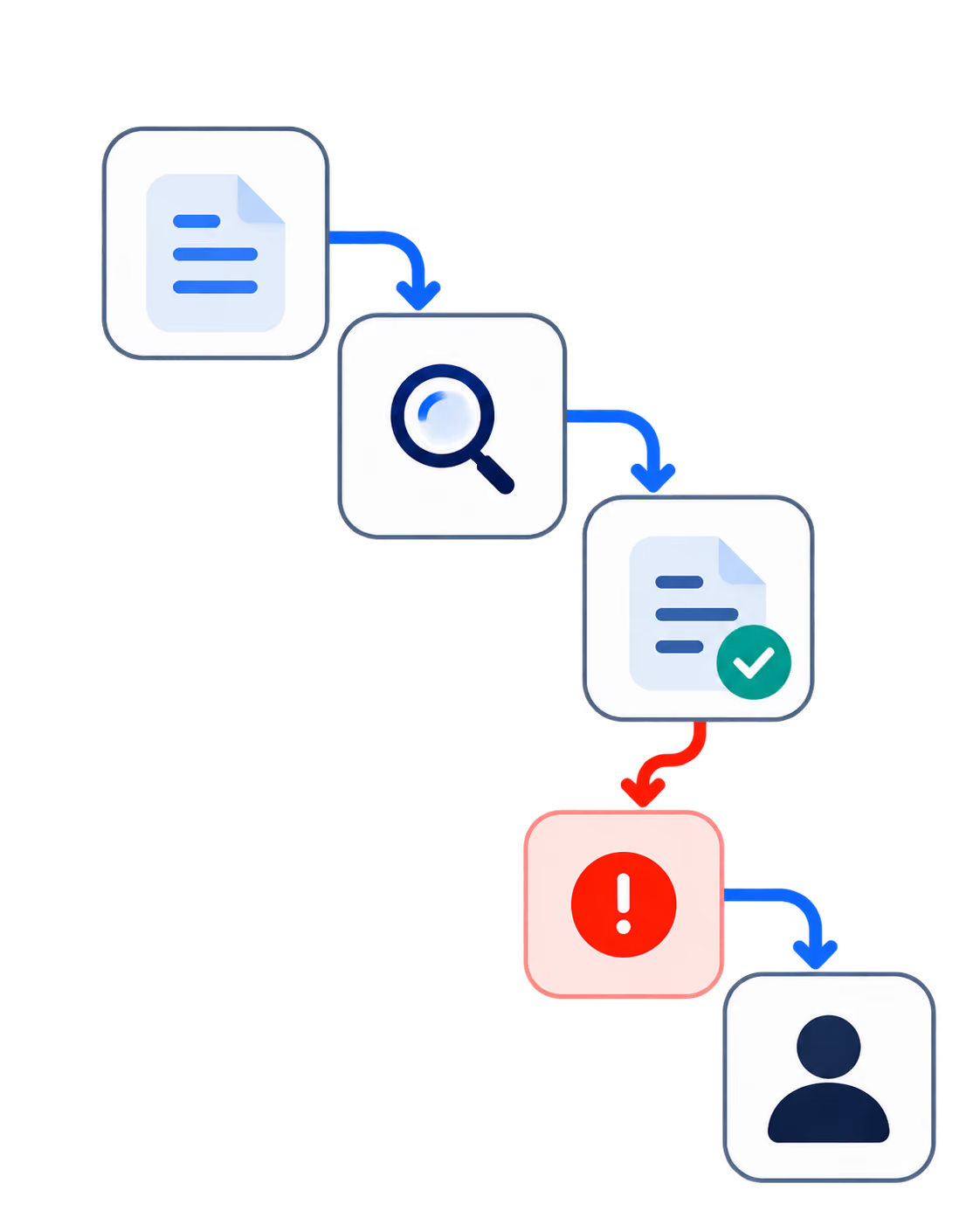
Your first AI agent incident probably will look like ordinary work done wrong. For example, a support agent closes a ticket that needed a human, or a sales assistant sends a customer a commitment your team didn’t approve.
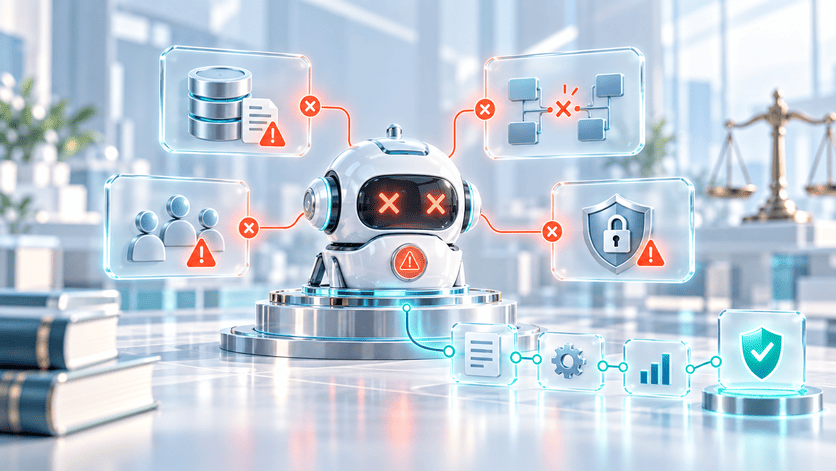
Agent incidents start as operational problems before anyone reads them as technical ones. That distinction shapes how you should respond. When an agent acts outside its intended behavior, the useful question is which layer of control let the action through: the workflow, the agent's authority, a tool, the data it read, the prompt or model, your monitoring, or the human review that was supposed to catch it.
This article walks through the response process for that moment, from the first hour to root-cause analysis, correction, and the decision about whether the agent stays in production.
AI Summary
AI agent incident response is how a company contains, investigates, corrects, and learns from an AI agent that acts in a way that creates risk. That covers wrong tool calls, actions taken outside the agent's authority, policy violations, exposed data, missed escalations, runaway loops, and decisions made on incomplete context.
For a CEO or CTO, the goal is to stop the damage, understand what happened, restore control, and decide the agent's future, not to assign blame to the model.
What Counts as an AI Agent Incident
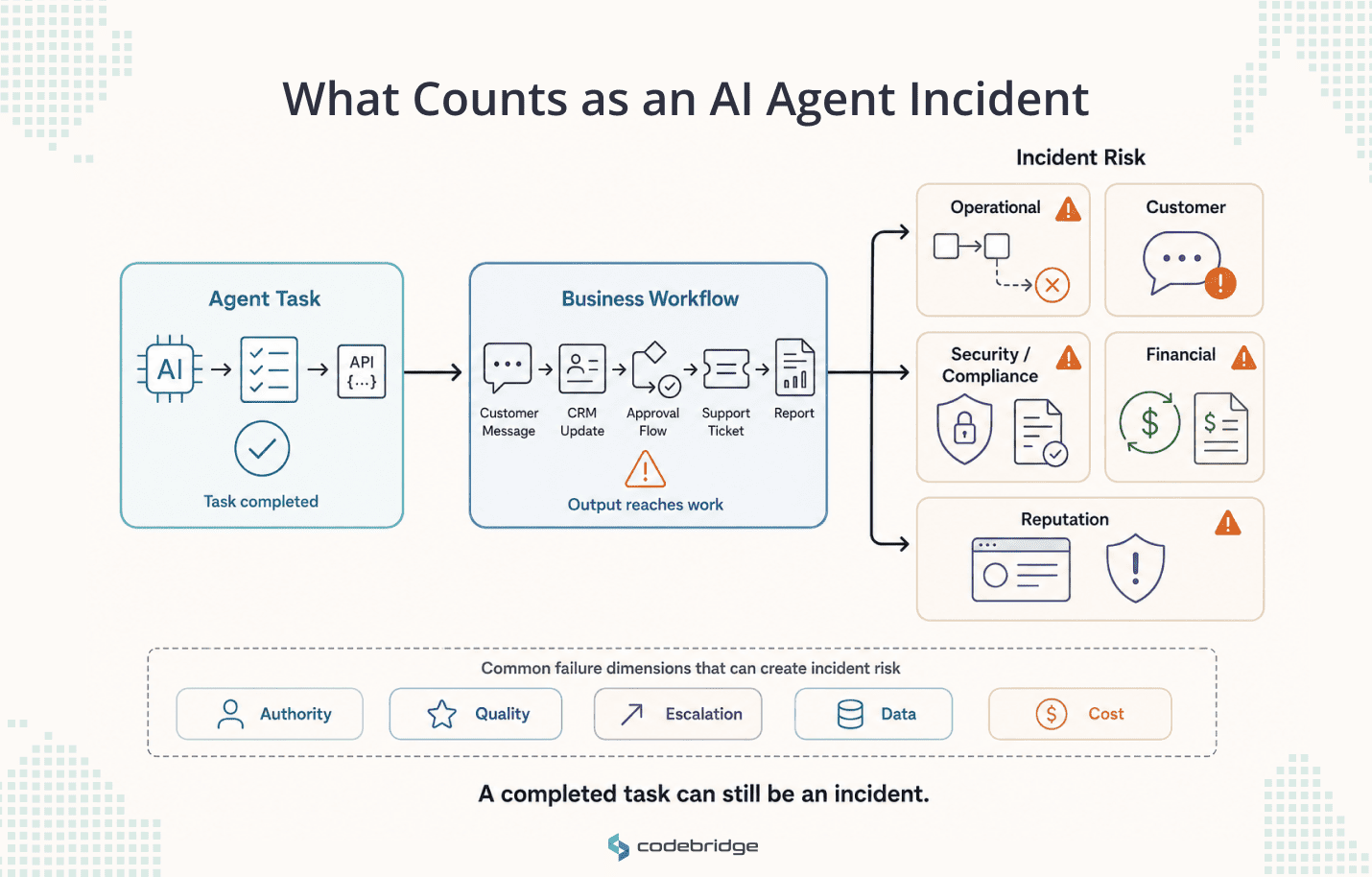
An AI agent incident is any agent behavior that creates operational, customer, security, compliance, financial, or reputational risk. The system does not have to crash. An agent that completes its task and returns a confident, wrong result has caused an incident once that result reaches a customer or a downstream system.
Most agent incidents sit outside the security category that classic incident response was built for. They tend to be workflow or authority failures, where the agent does something it was never meant to do or uses a tool outside its scope; quality and judgment failures, where the task completes but the output needs human correction often enough to matter; escalation failures, where a sensitive case gets handled instead of routed to a person; data failures, from stale retrieval to sensitive data exposed in an output or trace; or cost failures, where a tool loop runs up spend.
The OECD's work on defining AI incidents also shows that an incident is defined by the harm it creates, not by whether a system technically malfunctioned. For an agent inside a business workflow, that harm is usually operational.
The First Hour: Contain, Then Investigate
The first hour is for containment and evidence, not diagnosis. Structured guidance, including NIST's 2025 revision of SP 800-61 and the Coalition for Secure AI's incident response framework, starts from the same instinct: reduce the impact before you explain the cause.
Three questions decide your first moves.
Is the agent still acting? If it can take the same action again while you investigate, the incident is not contained. Pause it, restrict its permissions, or route its output to human approval.
Did it reach anyone outside the system? Identify the customers, records, and workflows it touched, and whether any of them acted on what the agent produced.
Was sensitive data involved? If so, bring in security and compliance now. That changes both the severity and who needs to know.
Only after those answers do you pull the full trace and start asking why.
The Seven-Step Playbook
Once the agent is contained, work the same seven steps every time. They move from stopping the damage to deciding the agent's future.
1. Stop the agent from repeating the move
Containment comes before investigation. If the agent can keep acting while you diagnose, you are still inside the incident. Depending on the setup, that means one or more of:
- pausing the agent or disabling tool execution
- switching it to draft-only mode and removing write permissions
- routing every output through human approval
- rolling back a recent prompt, model, or tool change
OWASP lists excessive agency (LLM06 in its 2025 Top 10 for LLM Applications) as a core risk for exactly this reason. An agent with real authority and a wrong instruction can act before anyone reviews it.
2. Preserve the evidence
The final output is not enough to reconstruct what happened. Preserve the full run: the user input, the prompt and policy version, the model version, the retrieval results, the tool calls and their responses, the permissions the agent used, any guardrail or human-review events, the final output, the records it affected, and the cost and retry data.
Tracing tools, from the OpenAI Agents SDK to OpenTelemetry's GenAI conventions, capture most of this if you set them up before an incident, which is the point. You can only investigate a run that monitoring recorded. The EU AI Act formalizes the same expectation for high-risk systems in its record-keeping requirement (Article 12).
3. Map the blast radius
With agents, the damage is not confined to where the mistake happened. It follows the output. Check what went out externally, which customer records changed, whether the action triggered downstream automation, and whether another agent or system acted on the result.
IBM's 2025 Cost of a Data Breach report found that among organizations reporting an AI-related security incident, 97% lacked proper access controls. For an agent, permissions are the boundary of its blast radius, so map what it was allowed to touch first.
4. Classify the severity
Severity should track impact, reversibility, exposure, and how far the action propagated. A simple scale keeps the response proportional.
5. Find the failed control layer
This is where the opening question pays off. Do not stop at "the model was wrong." Ask which layer of control failed, because that tells you what to fix.
Often more than one layer fails at once. Anthropic's engineering team makes the technical version of this point: agents call tools across many turns and change state as they go, so a single early error can propagate and compound through everything that follows. Prompt injection adds another path onto the list, where untrusted input steers the agent into an action no one intended.
6. Correct the system, not the output
Fixing the visible mistake does not close the incident. The correction has to reach the layer that failed. Depending on the root cause, that means some combination of:
- narrowing the agent's authority, removing a tool, or tightening permissions
- updating the prompts or policies that shaped the behavior
- improving the retrieval sources the agent depends on
- adding a human-approval step, and an evaluation case built from this exact incident
That last one compounds in value. LangChain's 2026 State of Agent Engineering report found that 57% of organizations now run agents in production, and most have observability, but only about half run offline evaluations. The space between watching an agent and testing it is where repeat incidents live. A corrected output is not a corrected system.
7. Decide the agent's future
Every incident should end with a decision, not a report. Five outcomes cover most cases. Return the agent if the issue was low-risk and fully corrected. Restrict it if it earns its place but had too much authority. Roll back if a recent change caused the problem. Redesign if the workflow, data, or tool structure is weak. Retire it if it produces more risk than value.
Set the bar for autonomy on evidence, not enthusiasm. The MAP study of production agents, published in late 2025, found that 68% run no more than ten steps before a human intervenes, and that reliability stays the top challenge teams report. Bounded autonomy with a human in the loop is the current default among teams running agents at scale, and an incident is a fair moment to move an agent closer to it.
Who Owns an AI Agent Incident
An agent incident is cross-functional, because the agent touched a business process, not just a model. Set ownership before the incident, not during it.
The agent is not the owner. Whoever owns the business process the agent runs owns the incident.
What Not to Do
A few reflexes turn a contained incident into a messy one:
- Blaming the model first. The cause is often the workflow, the authority you granted, the data, or the review step.
- Investigating while the agent runs. Contain it before you diagnose.
- Overwriting the traces. Once the evidence is gone, you are guessing.
- Fixing only the visible output. If the control layer stays the same, the incident repeats.
- Ending in a meeting with no decision. Close with return, restrict, roll back, redesign, or retire.
- Communicating externally before you know the scope. Map the blast radius first.
Where Monitoring Ends and Response Begins
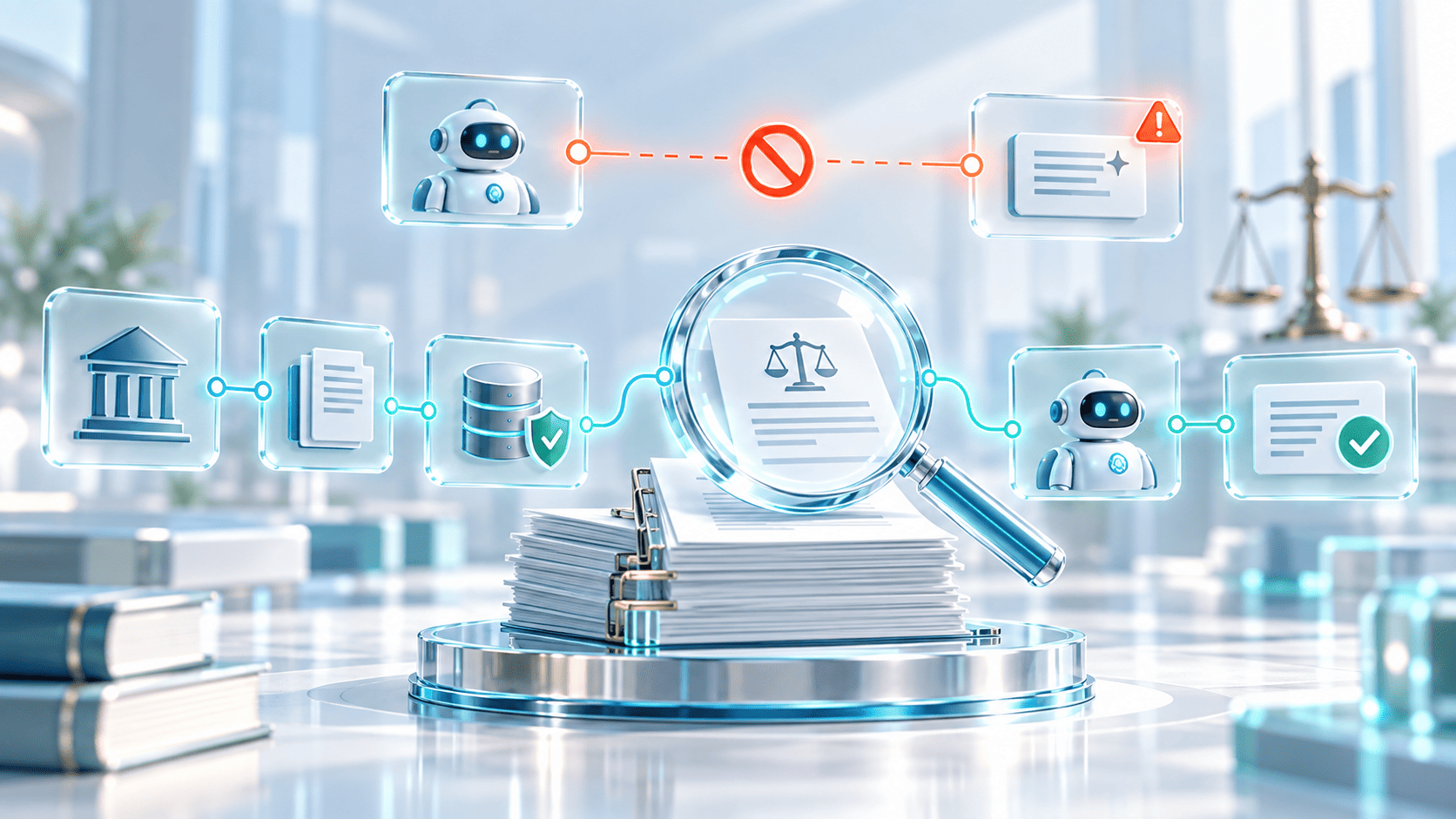
Monitoring and incident response solve different halves of the same problem. Monitoring tells you what the agent is doing: traces, tool-call data, quality scores, permission events, human-review patterns. Incident response decides what to do when the agent does the wrong thing. One produces the signal, the other turns it into containment, investigation, and a decision. A team with strong monitoring and no response process sees the problem and still loses the hours that matter most. Build the two together.
Where Codebridge Fits
Agent incidents are easier to handle when the system was built for control from the start. With no authority model, no trace, no rollback path, and no clear owner, every incident turns into detective work. Codebridge builds AI agents as production systems, with workflow boundaries, tool-execution controls, permission design, audit trails, monitoring, escalation paths, and rollback logic in the architecture before the agent reaches real users.
The distance between ambition and readiness is wide. Cisco's 2025 AI Readiness Index found that 83% of companies plan to deploy AI agents, while only 31% feel equipped to control and secure them.
Before you scale an agent, assess one workflow in full: what the agent can do, what it can access, how it can fail, who owns the failure, and how you will respond when it happens.
















Heading 1
Heading 2
Heading 3
Heading 4
Heading 5
Heading 6
Lorem ipsum dolor sit amet, consectetur adipiscing elit, sed do eiusmod tempor incididunt ut labore et dolore magna aliqua. Ut enim ad minim veniam, quis nostrud exercitation ullamco laboris nisi ut aliquip ex ea commodo consequat. Duis aute irure dolor in reprehenderit in voluptate velit esse cillum dolore eu fugiat nulla pariatur.
Block quote
Ordered list
- Item 1
- Item 2
- Item 3
Unordered list
- Item A
- Item B
- Item C
Bold text
Emphasis
Superscript
Subscript