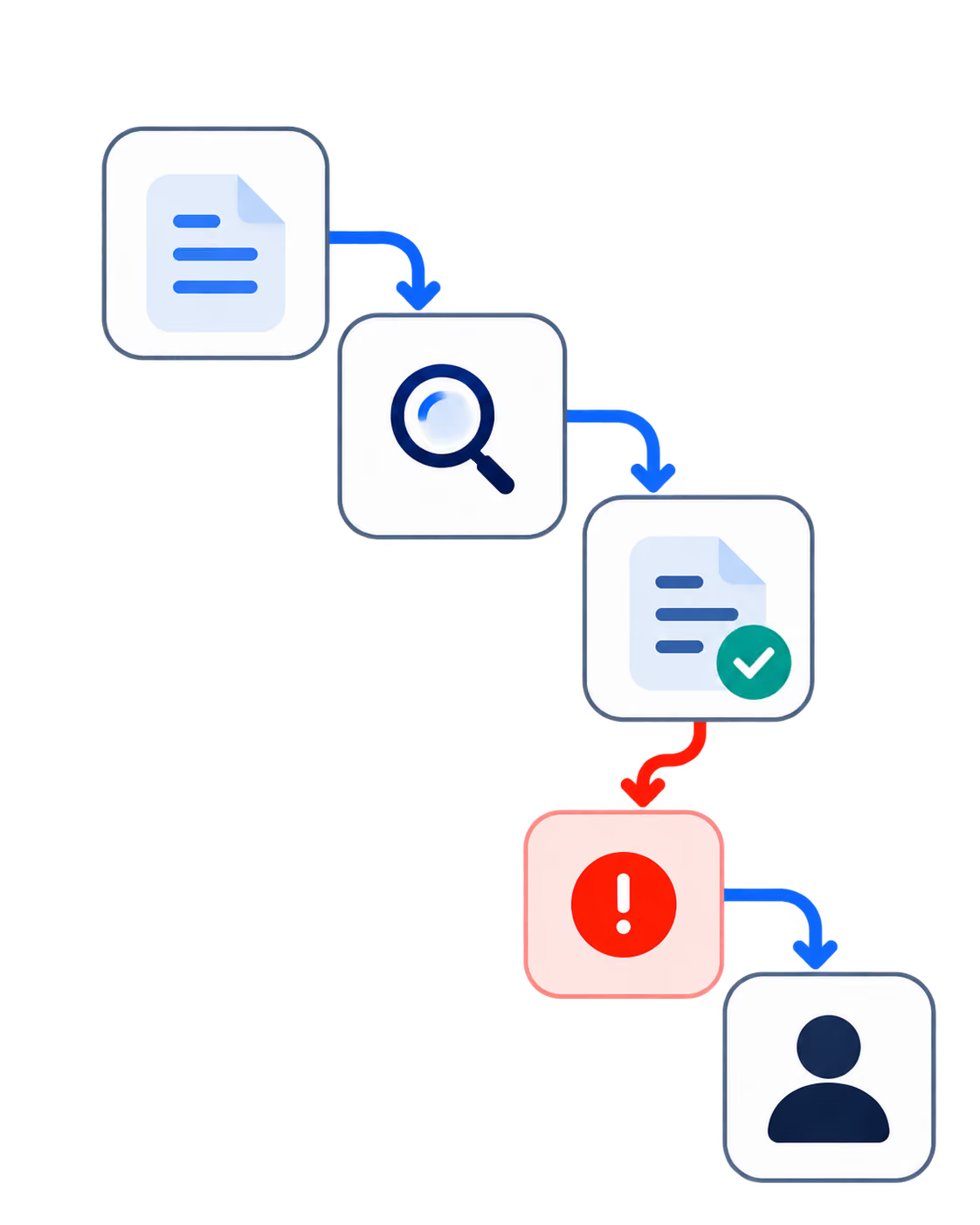
A proptech team launched their mobile app with everything they thought buyers wanted: comprehensive listing search, virtual tours, solid filtering. Then they watched their conversion rate flatline at 2.1%. The culprit? Lead capture popups that interrupted users mid-search, killing engagement before it could build momentum. As one team member put it in a Reddit thread: "We tried popups but they killed engagement; progressive profiling worked best."
If you've spent months building a real estate app only to watch users bounce before converting, you're not alone. The gap between "functional app" and "converting app" isn't about adding more features,it's about understanding which UX decisions actually make progress on lead generation.
KEY TAKEAWAYS
Speed is non-negotiable,mobile users bounce at 60% when load times exceed 3 seconds, but sub-2-second loads can lift conversions 28%.
Friction reduction has limits,removing mandatory sign-ups increased sessions 250% but lost 40% of leads. Balance matters.
Users want control with AI assistance,hybrid approaches where AI suggests but users filter manually outperform full automation.
Contextual features beat cosmetic changes,neighborhood heatmaps drove 19% more leads while dark mode moved nothing.
Age-inclusive design isn't optional,swipe interfaces confused 30% of users over 50, suggesting opt-in rather than default implementations.
The Hidden Problem: Optimizing for the Wrong Metrics
Real estate apps face a unique conversion challenge. Unlike e-commerce where the transaction happens in-app, your goal is capturing qualified leads,people ready to talk to an agent or schedule a showing. This creates a tension that trips up even experienced teams.
4.7%average conversion rate for real estate apps,meaning 95% of users leave without becoming leads
One proptech marketplace learned this the hard way during six months of iteration. They removed mandatory sign-ups to reduce friction, and sessions jumped 250%. Victory, right? Except they simultaneously lost 40% of their leads. The team had optimized for engagement while accidentally destroying their conversion funnel.
This isn't an isolated mistake. It's a systemic problem rooted in applying generic mobile UX principles to a vertical with specific conversion goals. What works for a social app or game doesn't work when your users are making six-figure decisions.
Where Teams Actually Lose Conversions
The Filter Paradox
That team with the 2.1% conversion rate discovered something counterintuitive: their 15-option filter system, designed to help users find exactly what they wanted, was actually preventing conversions. When they simplified to 5 core filters and added one-click tools like mortgage calculators, conversions climbed.
A product manager at another proptech startup saw similar patterns. Their search-to-inquiry funnel had 75% drop-off, and heatmap analysis revealed users were getting stuck at filter application,68% abandoned at that exact point. Their solution? Predictive search that anticipated user intent rather than forcing manual filter selection.
Predictive search beats traditional filters with a 44% conversion lift. Users don't want to configure,they want results.
The Speed Tax
A team building a Zillow competitor learned that mobile users have zero patience for slow apps. When load times exceeded 3 seconds, bounce rates hit 60%. But getting under 2 seconds delivered a 28% conversion lift,not incremental improvement, but a fundamental shift in user behavior.
Another team discovered this through painful A/B testing on their hero sections. Video backgrounds seemed like a premium touch, but they dropped conversions 18% due to load speed impact. Static high-res images with overlay search consistently outperformed the flashier alternative.
"Tried VR tours, bandwidth nightmare." 360 photos with hotspots worked and lifted conversions 21%. You have to balance technical innovation with real-world bandwidth constraints.
Developer discussion, Lobsters
The Agent-Side Friction Problem
Lead conversion isn't just about buyers. If agents can't easily use your platform, you lose the supply side of the marketplace. One team found that photo upload friction caused only 12% of agents to complete sign-up. The fix? Auto-enhance and drag-drop functionality raised completion from 12% to 67%,a 5x improvement from removing a single technical barrier.
Dashboard UX matters too. A team building realtor dashboards with MLS integration started with 18 widgets, causing cognitive overload. Reducing to 6 essential widgets lifted engagement 52%. And here's a finding that surprised them: fancy charts underperformed simple tables with export functionality by 3x. B2B users want actionable data, not visual complexity.
The Pattern: What Converting Apps Do Differently
Across these stories, a consistent pattern emerges. Teams that achieve strong conversion rates share specific approaches:
They prioritize perceived speed over actual features. Skeleton loaders and caching for slow API integrations (like MLS data) maintain the feeling of responsiveness even when backend systems lag. One team using lazy loading reduced mobile bounce from 35% to 4%.
They design for the decision, not the browse. Embedded agent chat within listings beats separate contact tabs. One-tap scheduling lifts bookings 62%. The goal is reducing steps between "interested" and "contacted."
They let users control the AI. Multiple teams reported that full AI automation for recommendations fell flat. Users preferred manual filters with AI assistance,a hybrid approach that respects user agency while adding intelligent suggestions.
"Tried AI recommendations, but users preferred manual filters." The hybrid approach won. Users want to feel in control of a major financial decision.
Developer building Zillow competitor, HackerNews
They build trust through transparency. When one team tried gamification badges for agents, it had zero impact. But user-generated reviews spiked trust 2x. Social proof from real users outperforms manufactured engagement signals.
A Framework for Mobile UX Decisions
Based on these patterns, here's a practical framework for evaluating UX decisions against conversion impact:
1. Audit Your Friction Points by Funnel Stage
Map every step from app open to lead capture. Identify where users drop off using heatmaps and session recordings. The proptech team that found 68% drop-off at filter application could only fix what they measured.
Funnel StageCommon Friction PointProven FixInitial LoadLoad time >3sLazy loading, image optimization (35% → 4% bounce)SearchComplex filtersPredictive search, reduce options (44% conversion lift)Listing ViewSeparate contact tabEmbedded chat in listingLead CaptureAggressive popupsProgressive profiling, exit-intent (15% capture)Form CompletionAbandonmentMicro-animations + trust badges (22% → 55% recovery)
2. Test Defaults Aggressively
Your default sort algorithm matters more than you think. One team discovered that switching from "sort by price" to AI "best match" as the default lifted conversions 29%. Users often don't change defaults,make them work harder for you.
3. Add Contextual Value, Not Cosmetic Polish
Dark mode didn't make progress for a rental finder app. But neighborhood heatmaps showing crime rates, school quality, and commute times drove 19% more leads. Similarly, virtual staging previews A/B tested to +17% inquiries,but only when image quality was high. Poor images killed the effect entirely.
Before adding any feature, ask: Does this help users make a decision, or does it just look impressive? Heatmaps help decisions. Dark mode doesn't.
4. Design for Your Actual User Base
A rental finder app tested swipe interfaces for browsing listings. It felt modern and intuitive,for younger users. But 30% of users over 50 found it confusing. The solution: offer swipe as opt-in, not default. Age-inclusive design isn't about dumbing down; it's about providing multiple paths to the same goal.
5. Unify Cross-Device Experience
One founder found that cross-device inconsistency was hurting conversions,users would browse on mobile but abandon when the desktop experience felt different. A PWA approach unified conversion rates across devices and eliminated the friction of context-switching.
Typeahead search implementation cut query time 70% and lifted leads 25%. Small interaction improvements compound across thousands of sessions.
The Counterintuitive Findings
Several teams reported results that challenged conventional UX wisdom:
Forced video tours backfired. One team added mandatory virtual tour viewing before inquiry, expecting higher-quality leads. Instead, bounce rates increased 22%. Users wanted the option, not the requirement.
Pricing transparency caused drop-offs. Showing all fees upfront seemed like the honest approach, but it caused 25% drop-offs in a rental app. The fix wasn't hiding fees,it was contextualizing them with market comparisons and value explanations.
Multi-family listings need special treatment. Standard single-property UX confused users looking at apartment buildings. Adding inline unit selectors (rather than separate pages per unit) increased sign-ups 31%.
"Struggles with multi-family listings,added unit selectors inline, sign-ups +31%." Property type matters for UX decisions. One size doesn't fit all listing types.
u/realestate_dev, Reddit r/SaaS
Bringing It Back to Conversion
Remember that team with the 2.1% conversion rate and the popup problem? After implementing progressive profiling instead of interruption-based capture, simplifying their filters, and adding contextual tools like mortgage calculators, they rebuilt their conversion funnel from the ground up.
The lesson isn't that popups are universally bad,exit-intent modals still captured 15% of abandoning users for another team. The lesson is that UX decisions in real estate apps must be evaluated against the specific conversion goal: turning browsers into leads without destroying the browsing experience that builds intent.
Every feature, every interaction pattern, every default setting either moves users toward conversion or creates friction that pushes them away. The teams seeing strong results aren't the ones with the most features,they're the ones who've ruthlessly tested which UX decisions actually impact lead generation.
Not sure where your app is losing conversions?
Request a mobile UX audit to identify your highest-impact optimization opportunities.
Diagnostic Checklist: Is Your Mobile UX Killing Conversions?
Your mobile load time exceeds 3 seconds (test with PageSpeed Insights)
You're using lead capture popups that interrupt active browsing
Your search filters offer more than 7 options on the initial screen
Agent contact requires navigating to a separate tab or page
Your default sort is "price" rather than relevance or match quality
Video backgrounds or auto-playing media load before core content
Form abandonment rate exceeds 50% with no recovery mechanism
Mobile and desktop experiences feel like different products
You haven't tested swipe/gesture interactions with users over 50
REFERENCES
Discussion on r/Entrepreneur: We built a real estate app and here's what we learned
Discussion on r/startups: Lessons from our real estate marketplace app
Thread on HackerNews: Building a Zillow competitor with map-first UX
Discussion on r/webdev: Real estate app UX tips that boosted our conversions
Thread on HackerNews: Rental finder app UX testing results
Discussion on r/ProductManagement: Building a real estate app UX challenges
Discussion on r/SaaS: Our real estate lead gen app UX teardowns
















Heading 1
Heading 2
Heading 3
Heading 4
Heading 5
Heading 6
Lorem ipsum dolor sit amet, consectetur adipiscing elit, sed do eiusmod tempor incididunt ut labore et dolore magna aliqua. Ut enim ad minim veniam, quis nostrud exercitation ullamco laboris nisi ut aliquip ex ea commodo consequat. Duis aute irure dolor in reprehenderit in voluptate velit esse cillum dolore eu fugiat nulla pariatur.
Block quote
Ordered list
- Item 1
- Item 2
- Item 3
Unordered list
- Item A
- Item B
- Item C
Bold text
Emphasis
Superscript
Subscript