The Short Answer
In February 2026, Botkeeper shut down. It was one of the best-known AI bookkeeping platforms in the profession; it had raised nearly $90 million, and its technology worked. Weeks later, a competitor named Xendoo acquired its core platform and kept the technology alive under new ownership.
The lesson for a firm is that you can automate bookkeeping and still be exposed if the automation is a black box you rent rather than something you control. When Botkeeper closed, the firms that ran their books through it could not decide their own continuity. Whether the platform survived was someone else's call.
This guide covers both halves of that story. First, what happened to Botkeeper, told straight. Then the part that matters more: how to automate bookkeeping in a way that survives a vendor's fate, including the routine work worth handing to software, the work that has to stay with a person, and the three questions that protect your firm before you sign with any bookkeeping platform.
What Happened to Botkeeper
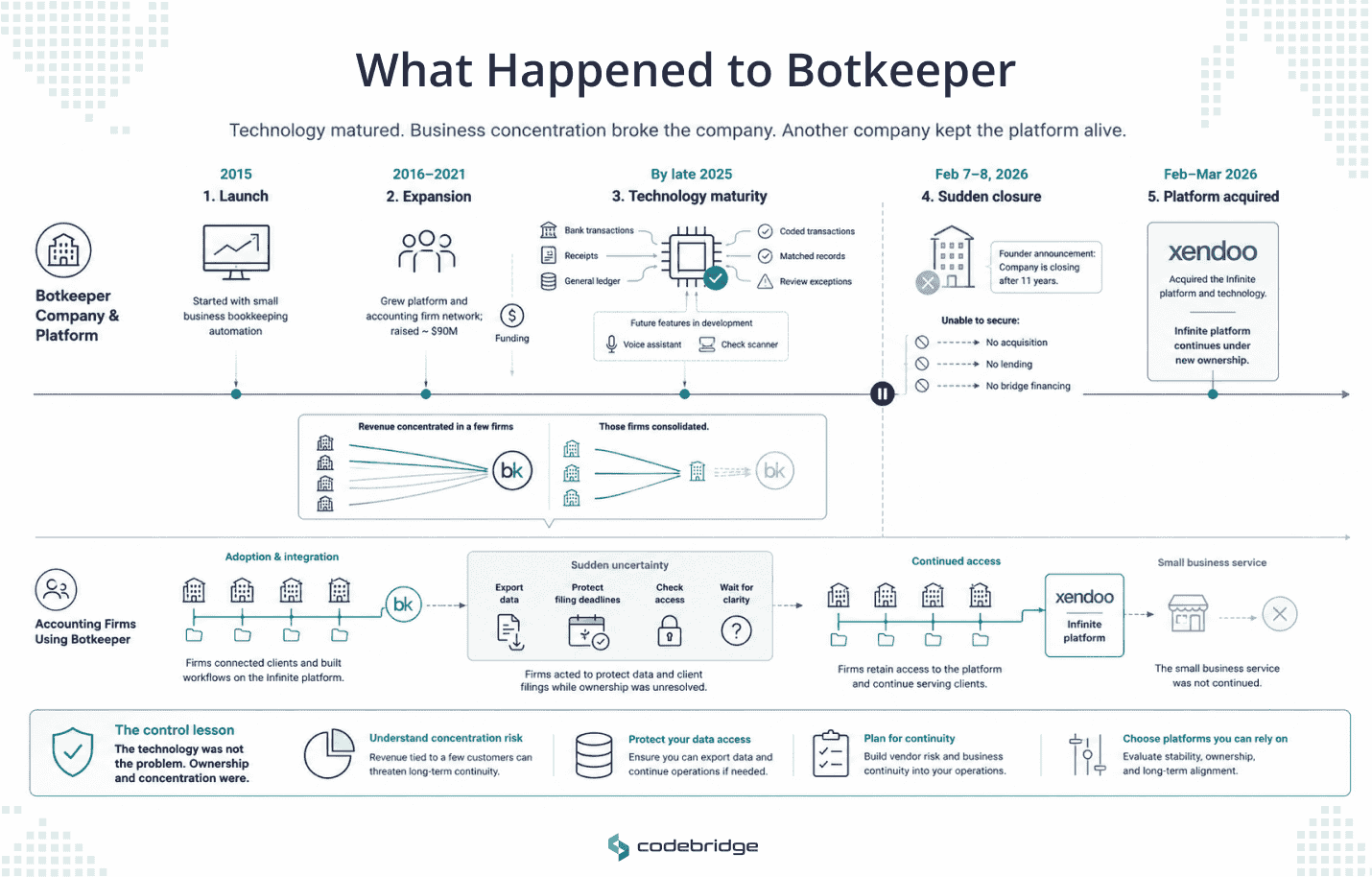
Botkeeper launched in 2015 with a premise that sounded ambitious at the time: that AI could handle the nuance of a general ledger. Over the next decade, it grew from a service for small businesses into a platform that accounting firms used to automate their clients' books. It raised close to $90 million, including a $42 million round in late 2021 led by Grand Oaks Capital, an investment firm founded by Paychex's Tom Golisano.
By the company's own account, its Infinite platform could code more than 80% of transactions at around 98% accuracy by the end of 2025, and it was weeks from launching a voice assistant and automatic check-scanning. Treat those figures as the company's claims rather than independent measurements, though the direction is clear enough: the technology had matured.
Then, over the weekend of February 7 and 8, 2026, founder and CEO Enrico Palmerino posted a note to the Botkeeper community announcing that the company was closing after 11 years.
The cause he described was a business problem, and the technology had little to do with it. A small number of large accounting firms accounted for much of Botkeeper's revenue, and when those firms consolidated in late 2025, the revenue base fell away faster than the company could adjust. Palmerino called it a case of "too many eggs in too few baskets." He confirmed that talks over acquisition, lending, and bridge financing had all failed, and admitted the product had never reached a market fit strong enough to survive the shift. Some observers noted the strain had shown for a while, in earlier layoffs and a quieter presence in the market, so the weekend announcement was sudden without being entirely out of nowhere.
The story did not end there. In late February, Xendoo, a Fort Lauderdale bookkeeping firm, acquired Botkeeper's Infinite platform, the engine built for accounting firms, and said it would keep it running. Xendoo described the platform as fully operational and existing access as active and supported. The small-business service Botkeeper had once run was discontinued. The firm-facing platform survived under a new owner.
For the firms that had built Botkeeper into their workflow, the weeks in between were the hard part: exporting data, protecting filing-season continuity, and waiting to learn whether the tool they depended on had a future. That future arrived as an acquirer's decision, not as anything the firms themselves controlled.
The Real Lesson: Renting a Black Box is a Continuity Risk
It would be easy to draw the wrong lesson here, that AI bookkeeping is too risky, or that the safer path is to keep more work manual. Botkeeper's technology did the job, but the company failed for business reasons unrelated to the automation.
The more useful lesson is narrower. A firm can depend on automation it neither controls nor can carry on its own, and that dependence is a risk of its own, separate from whether the software works. Two exposures made Botkeeper's closure dangerous for the firms that relied on it.
The first is data lock-in. When your clients' financial history lives inside a vendor's proprietary system, in the vendor's format, you cannot pick it up and move it on demand. You can export what the vendor lets you export, on the vendor's terms, which is a weak position during a sudden wind-down and a worse one during filing season. The time to test that export is before you depend on the tool, while you still have leverage.
The second is continuity dependence. Whether Botkeeper's platform survived was decided by whether someone chose to buy it. Xendoo did, and that gave the story a soft landing. That landing deserves an honest label: it was fortunate, and it sat outside any customer's control. If no acquirer had stepped in, the same firms would have watched a working platform go dark with their data inside it. You cannot plan your firm's continuity around the hope that a buyer appears.
Neither exposure is an argument against automating bookkeeping. Both are arguments for paying attention to who controls the automation and the data once you do.
How to Automate Bookkeeping
With the risk in view, the practical question remains: how do you automate bookkeeping in a way that holds up?
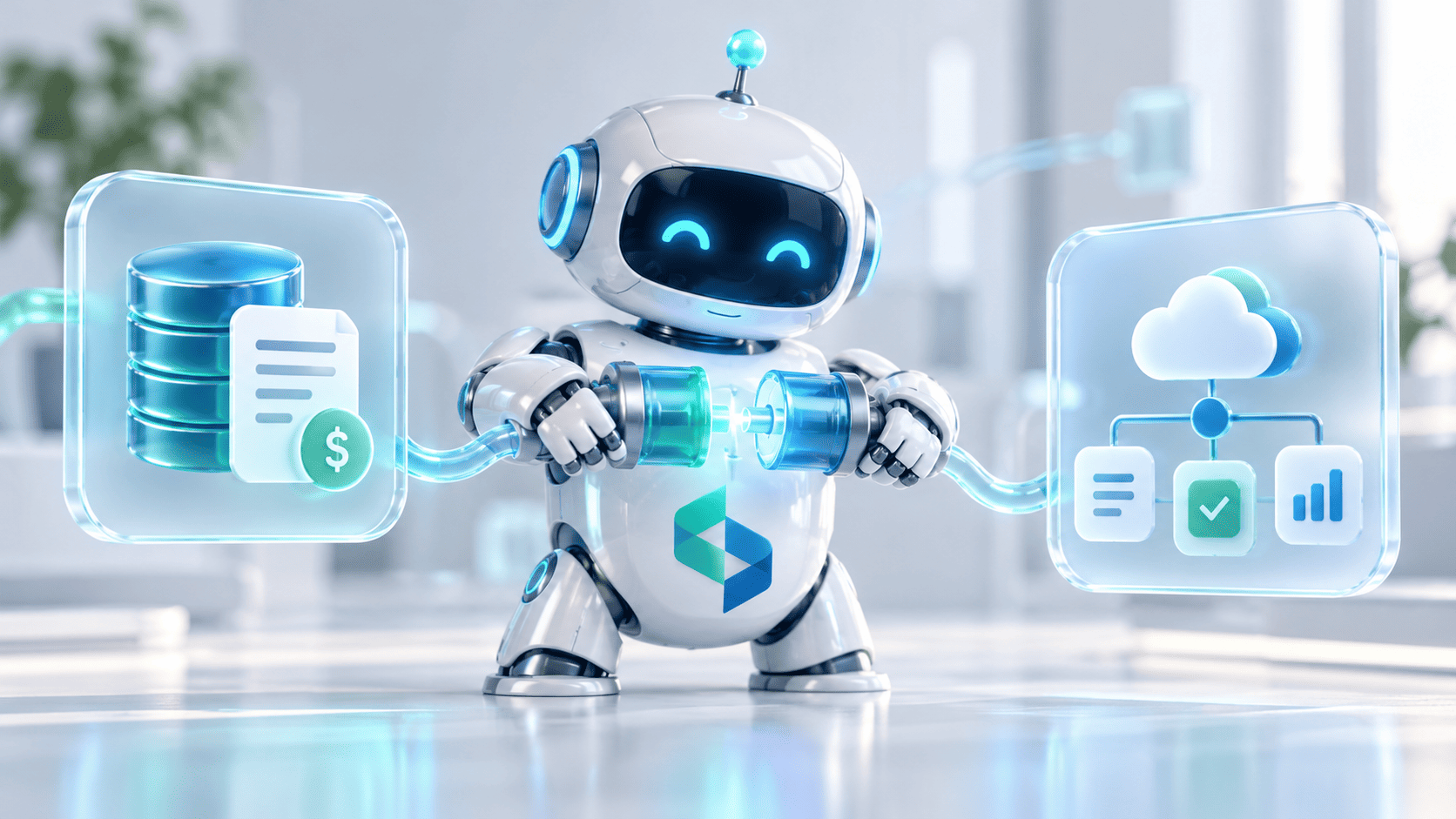
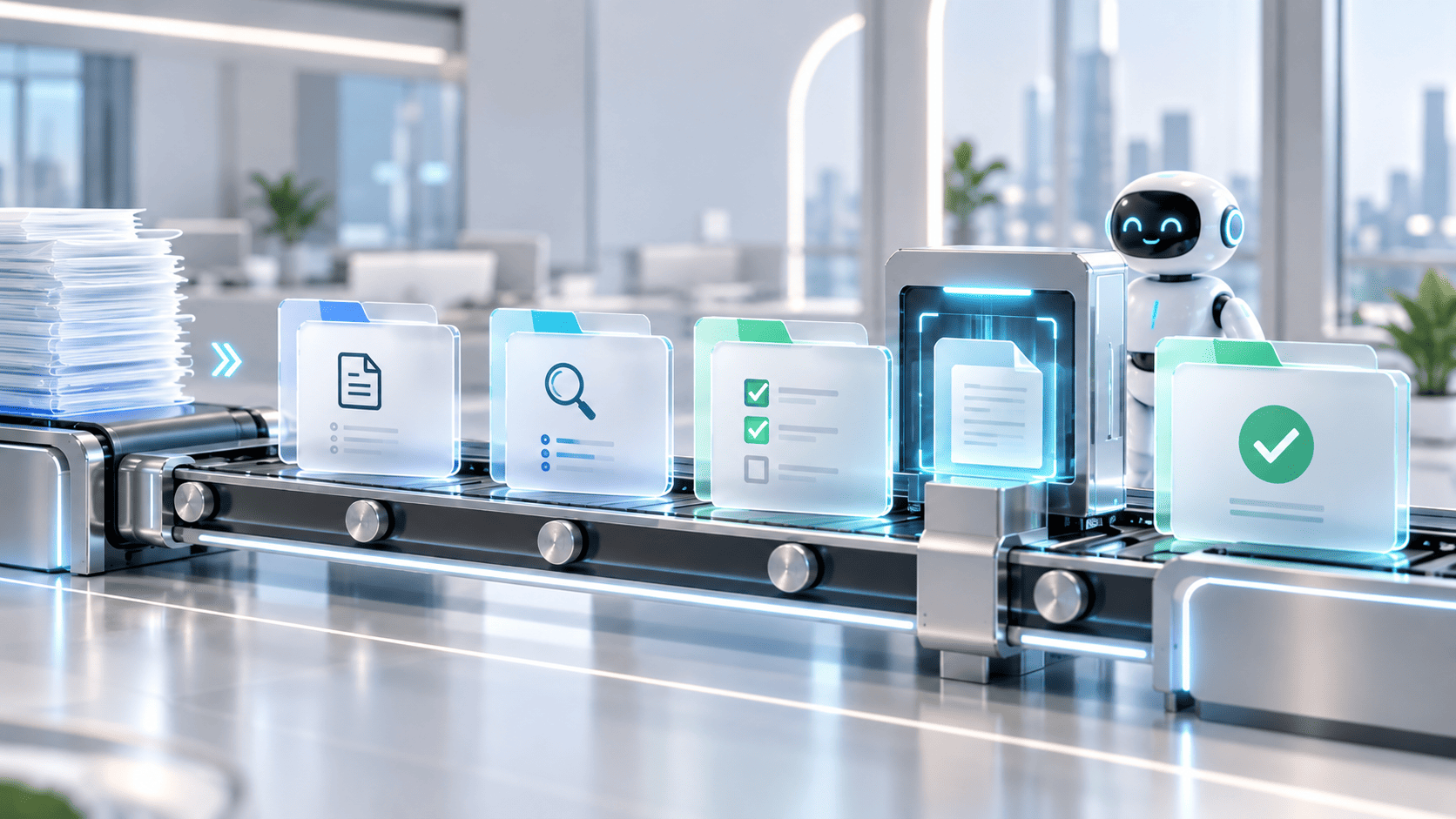
Start with what bookkeeping automation does. It handles the high-volume, routine work at the base of the books: pulling transactions from bank and card feeds, coding them to the right accounts, categorizing them consistently, and capturing the documents that support them. Modern tools do this with a mix of rules you set and machine learning that improves on your clients' patterns over time, so the categorization sharpens as it sees more of each client's books. Done well, it takes the repetitive data handling off your team and keeps the ledger current without someone keying every line. This is the capture-and-coding layer. It sits underneath reconciliation and month-end close, which are their own workflows with their own guide, and it stays distinct from accounts payable, which has its own economics. Keep those boundaries clear when you scope a project, because automating a messy version of any of them only produces mess faster. <!-- INTERNAL LINK: /how-to-automate-accounting -->
Automated well, this changes the rhythm of the month. The books stay close to current rather than getting reconstructed in a rush before close, the month-end starts from clean data, and the hours your team once spent on capture move to review and to the client work that earns a premium. That is the capacity gain, and it is the reason to automate bookkeeping at all.
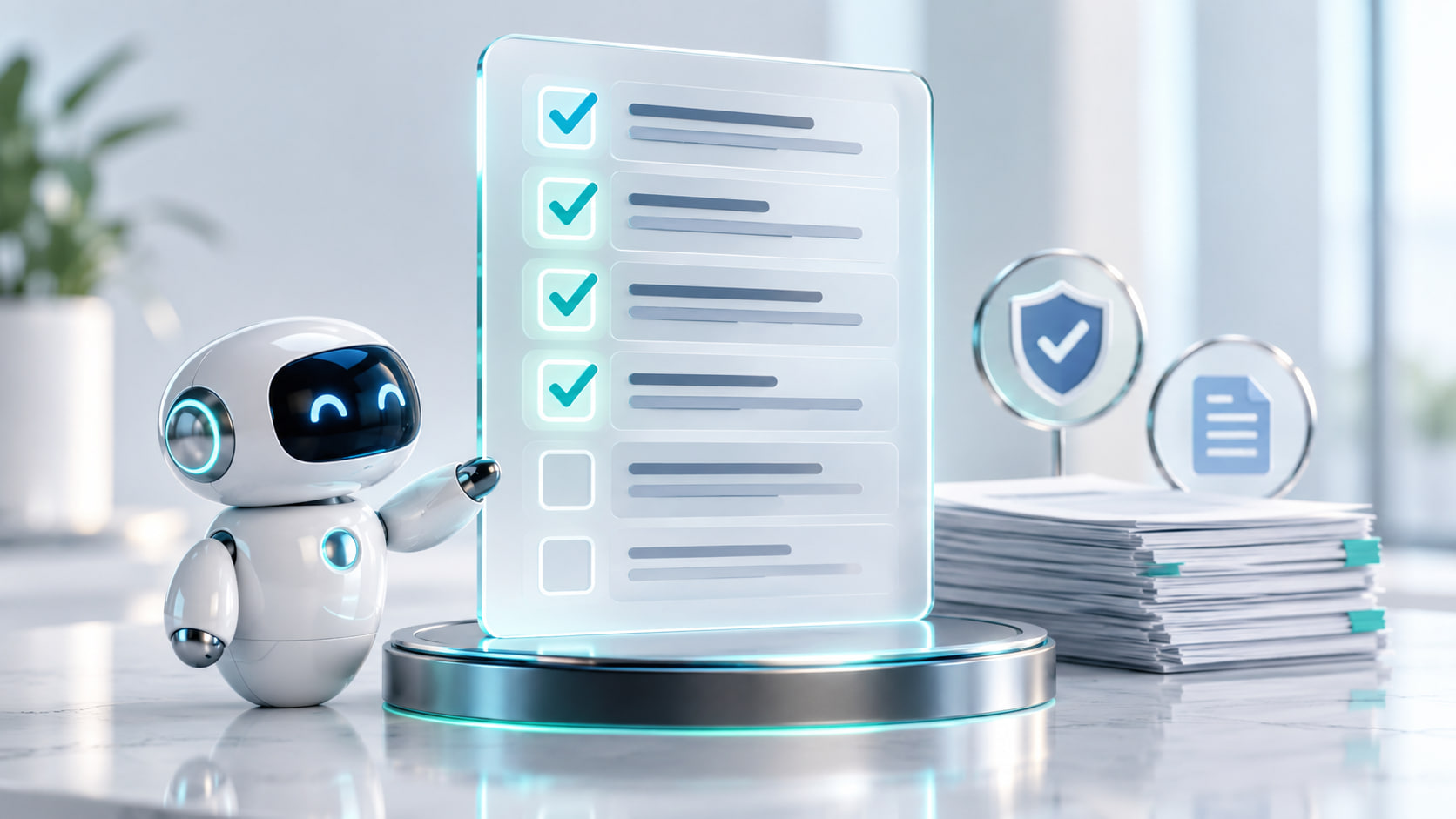
Then be honest about how much it does. A good automation codes the large, routine majority of transactions accurately. The minority it cannot resolve on its own is where the real risk sits: the ambiguous entries, the unusual transactions, the ones that need a person who knows the client to make a call. Botkeeper itself put the automated share above 80%, which leaves a meaningful remainder. That remainder is not noise. It often holds the most important data in the set, and when an automation-only setup skips the review, the errors do not announce themselves. They compound across months until someone inherits a cleanup. The durable model is review by exception: the software handles the routine coding, and a person reviews the exceptions it flags, rather than checking every line or checking nothing.
Where to start inside bookkeeping follows the same logic as any workflow. Begin with the highest-volume, most repetitive piece, usually transaction capture and categorization, and prove it on a subset of clients before rolling it across the firm. A bookkeeping automation that works on ten clients and breaks on the eleventh was never ready to scale.
Two mistakes are common, and both are avoidable. The first is choosing a bookkeeping tool on its feature list while ignoring who controls the data it holds. The second is trusting the automated majority so completely that no one reviews the exceptions, which turns a small, quiet error rate into a year-end cleanup. Both come down to treating the automation as a tool your people supervise instead of a substitute for their attention.
That is the how. The part Botkeeper made unavoidable is the who-controls-it. Before you commit to any bookkeeping platform, three questions decide how exposed you are.
- Where does your data live, and can you get it out? Confirm you can export your clients' financial data in a usable format, on your own timeline, without the vendor's cooperation. Ask for a sample export before you sign, and check whether it comes out as structured data you can use or as a locked report. If the answer is unclear, you are already locked in.
- Do you own the automation, or rent access to it? A subscription gives you access while the vendor exists and while you keep paying. Owning the logic that runs your workflow means it keeps working regardless of the vendor's fate. If the workflow is generic, renting is fine; if it encodes how your firm specifically works, renting means rebuilding from scratch the day you leave.
- What is your continuity plan if the vendor disappears? Assume a vendor could be gone in a weekend, because one was. A real plan names where the data would go and who would run the workflow if the tool vanished tomorrow. If your answer depends on someone else buying the technology, you do not have a plan.
These three questions come down to one distinction: whether the automation is a tool you could replace or a dependency you could not. A tool you can swap out is a convenience. A dependency that holds data you cannot move is a risk your firm carries no matter how well the software runs on a normal day.
None of this changes the first rule of automating any accounting workflow: standardize the process before you automate it. A clear owner, a definition of done, and an agreed way to handle exceptions have to exist before software touches the work, or the automation encodes the mess. The full discipline sits in the workflows guide.
Read the guide: www.codebridge.tech/articles/how-to-automate-accounting
When to Own Your Bookkeeping Automation
The Botkeeper story points to a distinction worth making on purpose. For the standard, commodity parts of bookkeeping, buying software is the sensible choice; the work is the same across thousands of firms, and a subscription is the efficient way to get it. The calculus changes for the workflows that carry your firm's continuity and your clients' data. There, owning the automation removes the two exposures Botkeeper laid bare. Your data stays in systems you control, and the automation keeps running regardless of any vendor's fate, because the fate is yours to decide. Owning it means the logic that runs your workflow lives in a repository your firm controls, documented so another developer could maintain it. If your provider stopped existing tomorrow, the automation would keep running, and you could hand it to anyone to support.
Which workflows to buy and which to own is its own decision, and it turns on how standard the work is and how much of your risk it carries. We cover that framework in a separate guide.
Read: www.codebridge.tech/articles/accounting-automation-software-build-vs-buy
Codebridge builds custom bookkeeping and back-office automation for mid-market firms as a service. We work on your data, alongside your team, and we hand you the code at the end, so the automation belongs to your firm rather than a vendor whose roadmap and survival you do not control. The engagement starts with a fixed-fee, three-week discovery on one of your workflows, run on your own data, so you see it work before you commit to a build.
If Botkeeper made you look harder at what your firm depends on, that is the right instinct. Book a 30-min call,.and we will help you decide which parts of your bookkeeping to buy and which to own.

















Heading 1
Heading 2
Heading 3
Heading 4
Heading 5
Heading 6
Lorem ipsum dolor sit amet, consectetur adipiscing elit, sed do eiusmod tempor incididunt ut labore et dolore magna aliqua. Ut enim ad minim veniam, quis nostrud exercitation ullamco laboris nisi ut aliquip ex ea commodo consequat. Duis aute irure dolor in reprehenderit in voluptate velit esse cillum dolore eu fugiat nulla pariatur.
Block quote
Ordered list
- Item 1
- Item 2
- Item 3
Unordered list
- Item A
- Item B
- Item C
Bold text
Emphasis
Superscript
Subscript