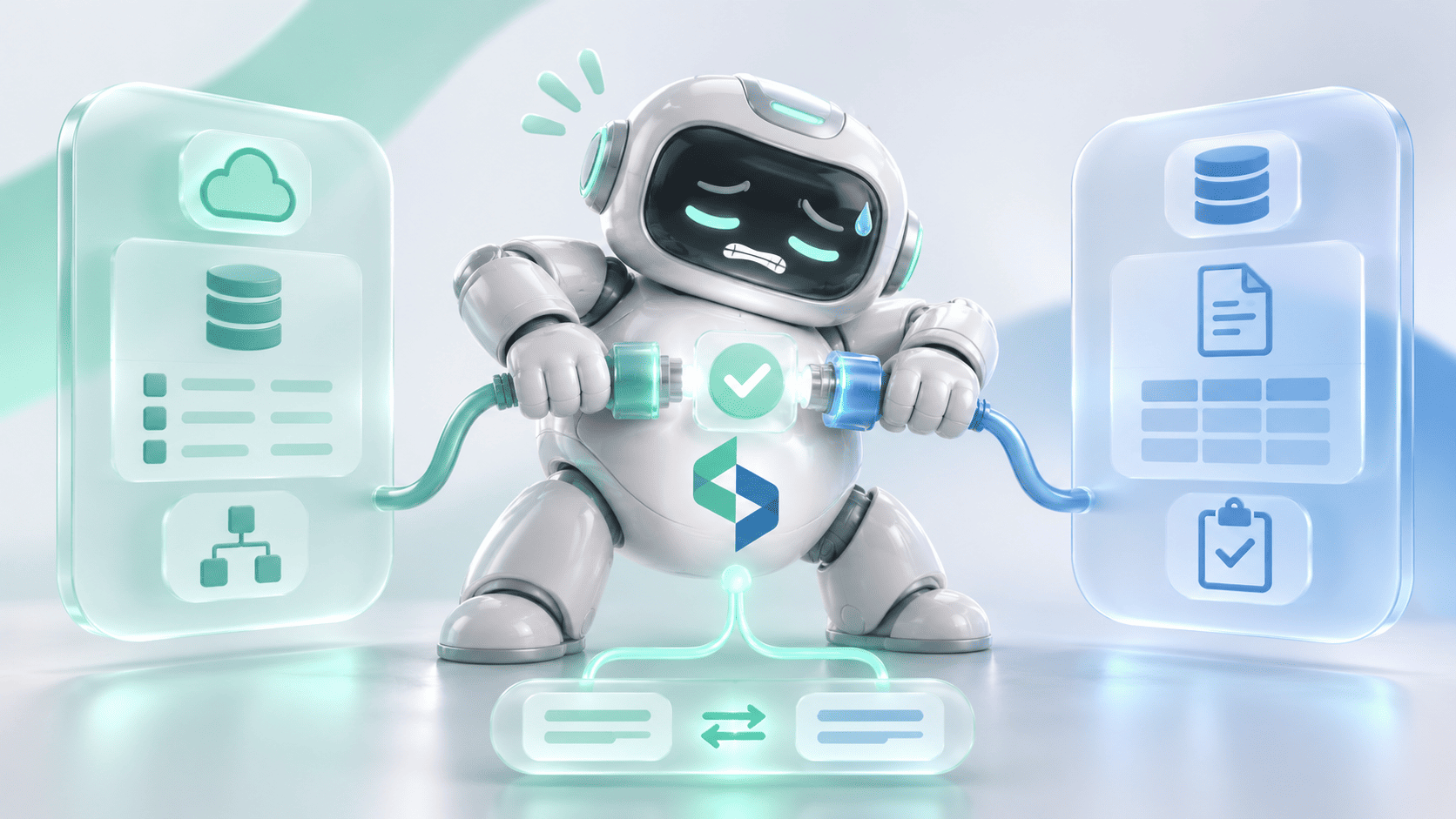
A lawyer finds a memo that appears to answer the question. Before reusing it, they still have to establish which jurisdiction it covers, whether its sources still apply, and whether its conclusion reflects the firm's current position. Finding the file starts the work, and deciding whether it can be used is a second task that can take longer.
Knowledge management for law firms is the process of capturing, organizing, maintaining and applying professional knowledge so people can use it in the right context. It covers the documents themselves and the decisions that make them useful: who approved a precedent, why a practice note changed, and when a research answer needs another review. Below, you'll find how to diagnose where knowledge reuse breaks down, how to structure knowledge so people and AI can use it, and how to test the result before the firm relies on it.
The practical starting point is one repeated task and the knowledge it depends on. From there, a firm can assess its content, ownership, search and review process before deciding whether AI or more software would help. Five capabilities are worth separating:
One platform may provide several of these. Evaluate them separately, so a strong document repository can't hide a weak process for selecting and maintaining reusable knowledge.
What Is Knowledge Management for Law Firms?
Legal knowledge management connects professional material with the context needed to apply it. A useful precedent library tells a lawyer which document is approved, what it was designed for, and who maintains it. A research collection keeps the sources and assumptions behind a conclusion, and an expertise directory helps people find the colleague qualified to answer a particular question.
What Knowledge Should a Firm Capture?
Begin with material that supports repeated work: approved precedents, model documents, practice notes, research memos, checklists and lessons from completed matters. Capture the reasoning behind important choices wherever it helps another practitioner understand when the material applies.
Keep access and reuse decisions explicit. A client document can be useful within its matter and still be unsuitable for a firm-wide library, and removing a client name leaves open whether the underlying information may be shared. Someone with authority has to make that call for each item.
How Knowledge Management Differs From Document Management
A document management system provides versioning, permissions and search. Knowledge management decides which materials deserve wider reuse and how they stay useful. Aderant's discussion of law firm KM projects makes the point through a curated precedent collection: a DMS can hold thousands of documents while practitioners still need a way to find the strongest examples.
So the work is partly editorial and professional. Someone has to select, review and maintain the material, whatever software holds it.
Where Legal Knowledge Reuse Breaks Down
Diagnose the difficulty before choosing a tool, because four different problems call for four different fixes. Each one shows up differently in daily work.
Retrieval problems arise when a useful document exists and can't be found with the language practitioners use. Better indexing, terminology or search may help.
Selection problems arise when search returns several plausible versions and none is marked as approved. More results won't supply the missing decision.
Applicability problems arise when the reader can't establish the jurisdiction, period or assumptions behind a conclusion. Those gaps create checking work even when the document is easy to find.
Maintenance problems arise when nobody owns corrections and retirement. An approved document can stay prominent long after the basis for approval has changed.
Wider search coverage helps retrieval, an approved version settles selection, and a named content owner makes maintenance possible. Identify which failure occurs in the real task before funding a broader platform change.
Start With One Knowledge Workflow
A narrow, well-chosen workflow teaches a firm more than a firm-wide platform rollout, and it produces evidence the firm can measure. It also limits the cost of getting the first design wrong.
Choose a Repeated Practitioner Task
Pick a task with five properties: a defined user group, a bounded collection of materials, a named knowledge owner, a review process, and a clear completion point. Finding an approved precedent for a recurring drafting task is a reasonable candidate. Assembling sources for a recurring research question is another, with different review requirements.
Then watch how people complete the task today. Record where they search, how they choose between results, what they check, and whom they ask when the material is unclear. Include the exceptions, because a missing document or a contradictory memo can reveal more than a successful search.
Establish the Baseline Before Changing the System
Measure the whole task. Record the time to find suitable material, the extra time spent checking its applicability, the share of content that turns out missing or outdated, and the review effort before reuse.
A faster search is valuable, and it proves little about when the firm reaches an approved result. That depends on the review work too, so the baseline has to include it.
Structure Knowledge So People and AI Can Use It
Metadata should answer the questions practitioners ask before using a document. Start with the fields the chosen workflow needs, and keep the taxonomy simple enough that contributors can maintain it.
Define the Minimum Metadata
This matrix is a recommended starting point. Adapt it to the workflow:
One person may hold several of these roles. The point is that a missing field or an overdue review always has somewhere to go.
Keep source types distinct. An internal memo may contain valuable analysis, and readers should be able to tell that analysis apart from the authority it interprets. If a document covers several jurisdictions, its sections may need more specific context than one document-level label can give.
Give Content a Maintenance Lifecycle
Approved knowledge moves through five stages: contribution, review, publication, update and retirement. Define how a contribution becomes approved, how corrections are submitted, and what happens when material is superseded. Retired content may need to stay available for historical work while being kept out of recommendations for current use.
Set review triggers that suit the material. A change in relevant authority, a revised firm position or a reported error may require action before the next scheduled review, so an annual review cycle alone won't cover fast-moving content. Keep the previous version and the reason for each change, so a later reviewer can see what happened.
Add AI Retrieval Without Losing Source Context
Retrieval-augmented generation, or RAG, supplies selected source material to a language model so it drafts an answer from that material. Its value depends on what the retrieval step selects, and on how much of each source's context survives the journey.
Retrieve Within the User's Authorized Scope
Design retrieval around the user's identity and authorized matter access, and apply those restrictions before any protected material enters the model's context. Hiding a source link in the interface achieves nothing once the answer has already absorbed the restricted content.
Microsoft's documentation on document-level access control describes capturing permission information and using it to filter search results at query time. Implementation depends on the source and its access model, so test it in your own environment, whatever a connector's listing suggests.
Preserve the Connection Between a Claim and Its Source
Keep source identity, version, jurisdiction and relevant dates attached to every retrieved passage, and give the reviewer a direct route from each material claim to the passage supporting it. Establish, too, whether the firm has the rights to index, process and reuse each source in the proposed system, because access to a publication leaves open which downstream uses its license allows.
Why Citations Still Need Verification
A citation gives the reviewer somewhere to look. Verification establishes whether the material supports the statement and applies to the question, through four checks:
An answer might cite a real memo and omit a condition that changes its conclusion. Link validation would pass, and professional review should catch the omission, so finding a valid source and assessing the conclusion stay two separate tasks.
In the US, ABA Formal Opinion 512 explains that the right degree of independent verification depends on the tool and the task, and it keeps responsibility for the work with the lawyer. The opinion applies the ABA Model Rules, so firms also have to consider the rules of their own jurisdictions. In England and Wales, the SRA's warning on misuse of AI addresses inaccurate information and confidentiality in regulated practice. Other jurisdictions need their own assessment, and a common technical workflow can support review without standing in for it.
What Happens When the Evidence Is Incomplete?
Define how the system behaves when it can't support the requested conclusion. Each evidence condition needs its own response:
If the interface shows a confidence indicator, explain the checks behind it. A label such as "High" tells a reviewer which checks passed, and it means nothing as a probability of correctness until the system has been evaluated and calibrated for that reading.
Example: A Research Question Across Multiple Jurisdictions
Take a practitioner preparing a comparison of a defined issue across three jurisdictions for a specified period. The workflow below is illustrative, built to show the decisions involved, and it contains no legal analysis.
Step 1: Define the Question and Its Boundaries
Capture the issue, the jurisdictions, the relevant period and the material factual assumptions. If a missing fact could change the answer, request it or make the open assumption visible. The authorized source collection has to be clear too, because a comparison built on a bounded internal library shouldn't imply it covers every potentially relevant authority.
Step 2: Retrieve Authorized, Applicable Material
Retrieval runs within the practitioner's access, and each passage keeps its source, version, jurisdiction and date. Material from the wrong jurisdiction or period is excluded, or labeled so nobody mistakes it for applicable evidence.
Step 3: Show Evidence and Gaps for Each Jurisdiction
A useful comparison view shows the state of the work for each jurisdiction, with no conclusion filled in where the evidence is missing. These hypothetical states illustrate the idea:
The third row stays open. That gap is the system working as intended, because a plausible answer there would hide work nobody has done.
Step 4: Route the Draft to a Qualified Reviewer
The supported draft and its open issues go to a qualified reviewer, who approves, edits or rejects it against the specific answer version and source references. An edited answer needs its own review status, and approval never carries over from an earlier version.
Step 5: Preserve the Approved Version and Its Conditions for Reuse
Record the scope of the approval along with the answer. A comparison approved for one period and set of assumptions may need reassessment for another, and when a supporting source changes, the recorded link between that source and the saved answer shows what needs review.
What Knowledge Cloud Demonstrates
Knowledge Cloud is a custom platform Codebridge built for the Tax and Legal team of a Big Four firm. Its knowledge management foundation shipped in September 2022 and ran in daily production through 2025. In 2026, Codebridge extended it with an AI research layer built on the same knowledge base.
The published case study describes catalogs by practice area and jurisdiction, answers linked to their sources, and a review queue where senior practitioners approve, edit or reject every AI output. It also reflects two recommendations from this article. If the knowledge base doesn't cover a question adequately, the system returns "insufficient evidence" and leaves the gap open. Its High, Moderate or Low confidence label comes with the individual checks behind it, so a reviewer can see what passed.
The case study also reports a median answer time of 18 seconds.
The case study adds that 100% of answers cite primary sources.
These figures belong to one project, reported in Codebridge's case study, and they set no expectations for another implementation. Knowledge Cloud is an enterprise build, and it isn't a SaaS product that other firms can subscribe to.
The sequence shows a practical option for firms with an established knowledge environment: extend a maintained foundation once a new capability is justified. It also needs reading in context. Knowledge Cloud is an enterprise research platform, and Codebridge doesn't build legal research tools for mid-market law firms, where its work starts with document triage, intake and conflicts screening, and billing narratives, as our article on choosing where to start with legal AI explains.
Buy, Extend, or Build a Legal Knowledge Management System?
Evaluate the workflow against existing capabilities before specifying new software. Legal knowledge management software comes in several forms, and four approaches cover most situations:
These approaches can coexist. A firm might keep its document repository, buy access to specialist content, and add a narrowly scoped review workflow.
Custom development needs a specific justification. An unusual approval process, or a requirement to keep source context intact across systems, may create a real engineering gap, and its cost should be weighed against changing the workflow or using a supported product feature. Codebridge's work on AI systems for professional services firms starts from that kind of named gap. Improving a precedent library can be worthwhile on its own, with no research assistant attached.
Legal Knowledge Management Go-Live Checklist
Test the chosen workflow with representative questions, documents, users and failure cases, including material that is outdated, incomplete, contradictory or set up outside the test user's access. Adapt this framework to the workflow:
Agree the release criteria before running the tests, and judge failures by their consequences, so a ranking error and a confidentiality breach never disappear into the same average score. No universal accuracy threshold applies, so define the evaluation set, the severity of each failure type and the release criteria with the responsible stakeholders.
Assign an owner to each failed test, with the correction required before release. If a requirement stays unmet, narrow the first workflow or defer that capability. Include the knowledge owner and a professional reviewer in acceptance alongside the technical team, and keep these responsibilities consistent with the firm's law firm AI policy, including who can approve use and what must be recorded.
Measure Usable Knowledge, Review Effort, and Reuse
Track whether people reach a usable result with less avoidable work. Useful measures include time to find suitable material, time to reach an approved answer, reviewer corrections and rejections, evidence gaps on the evaluation set, and reuse of approved knowledge.
Read these measures together, and look at the examples behind the numbers. A low correction rate can reflect strong drafts or cursory review, and more insufficient-evidence outcomes may reflect a stricter system or shrinking coverage.
Track maintenance as well: overdue reviews, unassigned content and unresolved corrections. That work decides whether the system stays useful after launch.
Frequently Asked Questions
Discuss Your Knowledge Workflow With Codebridge
Choose one task your firm repeats. Identify who completes it, which sources it depends on, and what must be checked before the result is reused, which gives any technology discussion a concrete starting point.
Codebridge builds AI systems and integrations for professional services firms. We can look at where your existing environment already supports the workflow, and where additional engineering would be worth the investment.














Heading 1
Heading 2
Heading 3
Heading 4
Heading 5
Heading 6
Lorem ipsum dolor sit amet, consectetur adipiscing elit, sed do eiusmod tempor incididunt ut labore et dolore magna aliqua. Ut enim ad minim veniam, quis nostrud exercitation ullamco laboris nisi ut aliquip ex ea commodo consequat. Duis aute irure dolor in reprehenderit in voluptate velit esse cillum dolore eu fugiat nulla pariatur.
Block quote
Ordered list
- Item 1
- Item 2
- Item 3
Unordered list
- Item A
- Item B
- Item C
Bold text
Emphasis
Superscript
Subscript