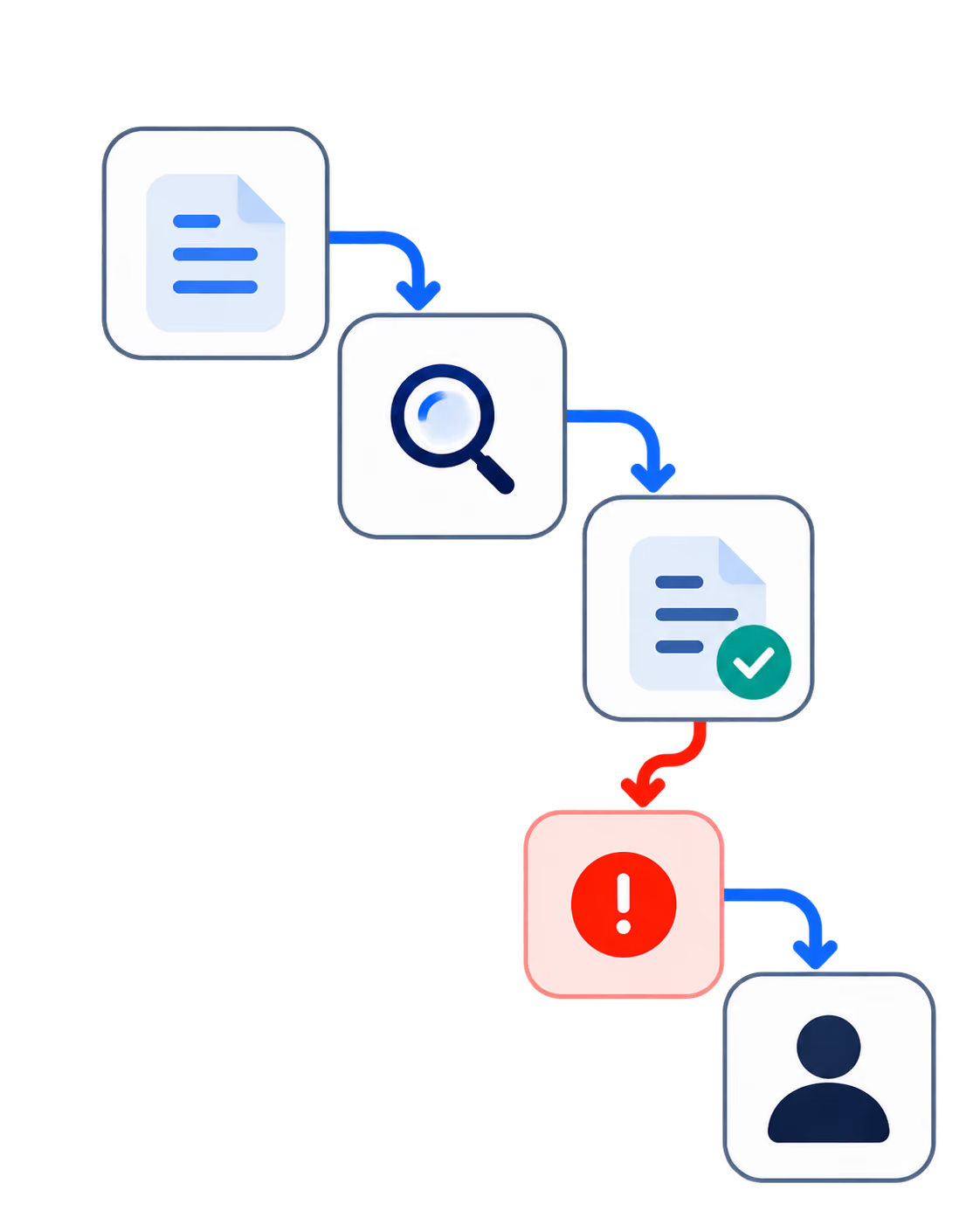
AI Answer Summary
Automating accounts receivable means using rules and software across the six stages that turn completed work into collected cash: setting credit and payment terms, creating the invoice, delivering it, following up before and after the due date, matching incoming payments to open invoices, and handling disputes.
For a mid-market accounting firm, the order matters more than the software. Start by reducing the time between finishing the work and sending the invoice, because you cannot recover those lost days later with better reminders. Once billing is moving quickly, automate the reminder sequence and make it easy for clients to pay.
Cash application and credit scoring are areas where models can help. Disputes and large overdue balances are different because they usually need a person who understands the situation and owns the next step.
There is also a simple limit to what automation can achieve. It can help close the gap between your payment terms and the day you actually collect the money, but it cannot push collections below the terms you agreed to or solve a client's inability to pay. The important part is understanding which problem you actually have.
What Automating Receivables Covers
Receivables move through six stages, and each stage has a different type of problem.
Credit and terms determine which clients can pay later, what the terms are, and who is allowed to make an exception. Invoice generation covers the period after work is completed, when time is reviewed, a partner approves the bill, and the invoice is created. This is often where several days disappear.
Invoice delivery makes sure the invoice reaches the right person with the information they need to approve and pay it. Reminder cadence covers the notices sent before the due date and the follow-ups after it.
Cash application begins when the money arrives and must be matched to the correct open invoice. Dispute and escalation begins when the client pays less than expected, does not pay at all, or raises a question about the invoice.
When you look at all six stages together, the automation opportunities become clearer. Some are mostly rule-based and can be handled consistently by a system. Others involve matching information, where a model can help but a person should still review exceptions. The remaining stages require judgment and a real conversation with the client.
Table 1. What to automate and what to leave alone
Why this sits on your agenda now
A firm can report record revenue and still feel short on cash. The problem often appears in receivables before it becomes obvious in the bank account, and by the time the partner group notices, several months of slow billing or inconsistent follow-up may already be built into the numbers.
Four common problems create this delay, and they need different fixes. Billing lag happens when the work is ready to bill but the invoice is still waiting for review or approval. Invoice friction happens when the invoice does not reach the person who can actually pay it or arrives without the information that person needs.
Inconsistent follow-up means reminders depend on somebody remembering to send them. Unresolved disputes leave balances sitting in the aging report even though the real problem is not slow payment. It may be a question about scope, pricing, or the work itself.
The Credit Research Foundation publishes quarterly medians for commercial receivables, and one comparison in that data is especially useful. In the first quarter of 2026, median days sales outstanding, or DSO, was 40.1 days, while Best Possible DSO was 31.6 days.
Best Possible DSO shows what the same receivables book would look like if every client paid according to the agreed terms. The difference between the two figures was about eight and a half days. That gap is the part a better process can potentially recover. Getting below it would require changing the payment terms themselves, not simply chasing clients harder.
You can run the same calculation on your own ledger. If your standard terms are net 30 but you normally collect in 47 days, roughly 17 days sit between the agreement and the actual result. That is the gap your process can work on. A vendor promising a percentage reduction in DSO cannot know your real opportunity without seeing those numbers first.
This is also why many automation projects disappoint. A firm buys a reminder tool and the reminders start going out on schedule, but invoices are still being sent ten days after the work was ready to bill. The reminder system may be working perfectly, yet DSO barely moves because the bigger delay happens before the reminders even begin.
The Five Steps to Automate Accounts Receivable
Step 1. Fix the front end before you automate the back end
Automating a weak process only makes the weak process run faster. Before you choose a tool, write down your actual payment terms, decide who can change those terms, and define what needs to happen when an exception is made.
The AICPA's 2025 National Management of an Accounting Practice Survey covered 1,073 firms. It found that top-performing firms use up-front deposits and retainers more often than the profession overall. They also use fixed pricing more often than their peers. Both choices move part of the cash conversation earlier, before there is a collections problem.
The parts that follow clear rules are good candidates for automation. Payment terms can be included in engagement letters, deposit requests can be tied to engagement acceptance, and recurring work can use stored payment methods when the client has authorized them. Exceptions should still stay with a partner or another named decision-maker, and every exception should be recorded.
Step 2. Close the billing lag
For a professional services firm, billing lag may be the biggest single opportunity, and solving it does not require AI. Start with three timestamps from your last hundred engagements: when the work was completed, when the invoice was generated, and when the invoice was delivered.
The time between completed work and invoice generation is your billing lag. Many firms track DSO closely but have never measured this number, even though it may explain more of the delay than the aging report does.
The fix is usually a combination of clear deadlines and automatic triggers. Time entry can close on a fixed date, reviews can go to a named reviewer with a defined turnaround time, and invoices can be generated when engagement milestones are reached instead of waiting for the next monthly billing run.
Partner approvals should also have a deadline. If that deadline is missed, the issue can escalate automatically. If the firm waits two weeks after completing the work before sending the invoice, reminders cannot recover those two weeks because the delay has already happened before the collection process begins.
Step 3. Automate the pre-due reminder and the first follow-up
A randomized field experiment with the Australian Taxation Office looked at 4,787 overdue business debt cases. A single reminder letter increased the probability of payment by roughly 25 percentage points compared with a control group that received nothing.
The researchers also tested whether sending the letter in week one, two, or three after the due date changed the result. It did not change the chance that the debt would be paid within seven weeks. Sending earlier helped the money arrive sooner, but it did not change the final recovery rate.
The practical lesson is that firms should focus less on endlessly rewriting reminder templates and more on making sure a consistent reminder cadence runs every time. A simple sequence can include a notice shortly before the due date, another on the due date, and one short follow-up after the invoice becomes overdue.
The important part is that the sequence runs without depending on somebody remembering to send it. At the same time, the system needs clear rules for when those reminders should stop.
If the client emailed the partner yesterday, questioned the invoice, or promised to pay on a specific date, the automated sequence should pause. A reminder that arrives after the client has already explained the situation can feel less like a useful prompt and more like an accusation.
Step 4. Remove friction from paying, then apply the cash
Once the invoice is out, paying it should be as easy as possible. Firms can offer more than one payment method, give clients access to invoices through a portal, and allow authorized payment methods to be stored for recurring work. Every additional step a client has to work through can add time, even if nobody records that delay as a formal problem.
Receiving the money is only half of the job because the payment still needs to be matched to the right invoice. According to the Association for Financial Professionals, checks still represented 26% of incoming business payments in 2025, down from roughly three quarters twenty years earlier.
Electronic payments do not remove the matching problem. The payment may arrive electronically while the remittance information that explains what the client is paying for arrives in an email, through a portal, or does not arrive at all.
This is where model-based matching can help. A model can process the straightforward matches at volume and send uncertain cases to a person for review. The exception queue should be designed before automated matching goes live so that unresolved payments always have somewhere to go.
Otherwise, cash that has already arrived can remain unmatched in the system. That can make DSO appear worse than the actual collection situation. When cash application is inaccurate, the firm is partly measuring an accounting problem rather than a collections problem.
Step 5. Route exceptions by cause, not by age
An aging report tells you how old a balance is, but it does not tell you why the balance is still open. That difference matters because not every overdue invoice should receive the same response.
Instead, overdue balances can be grouped into four broad causes: an administrative delay, an active dispute, financial difficulty on the client's side, or a concession or exception that somebody approved but never documented. Each one requires a different response and often a different owner.
The Australian trial found another important result. Reminder letters did not improve payment on debts above AUD 7,500. The researchers interpreted those larger debts as more likely to reflect an inability to pay rather than somebody simply forgetting.
This creates an important limit for automation. If a large overdue balance keeps receiving stronger automated messages, the firm may be spending client goodwill without improving the chance of collecting the money.
Large balances, and any balance where the client has already given a reason for not paying, should therefore leave the automated sequence. A named person should own the next step and have a deadline for acting on it.
Software can still support that person by preparing the account history, drafting a message, collecting the relevant invoice details, or proposing a payment plan for approval. It should not, however, become the final voice the client hears before a partner becomes involved.
Table 2. Where each step lands
Where Automating collections damages the relationship
Collections automation can save time, but it can also create problems with good clients when it is allowed to run without enough context. Most of the damage comes from three areas: the wrong message, a failure to stop automation when circumstances change, and an inability to understand why the client has not paid.
Wrong framing
A 2026 field experiment with a Brazilian state revenue department tested different messages with non-compliant firms. One message told recipients that most firms in a similar position had already paid, which increased payment probability by about six percentage points.
Another message said that only a minority had paid, and that reduced payment probability by about seven percentage points. In other words, one version performed worse than sending nothing.
The lesson is not that firms need to spend more time finding the perfect reminder template. The more important point is that messages can change behavior in ways that are not always obvious. If those messages are generated and sent automatically across the entire client base, the firm also scales the risk of getting the framing wrong.
Suppression failure
Automation also needs to recognize when it should stop. Trials involving borrowers who had already defaulted found that reminding someone after they had promised to pay could contribute to another default.
The same principle applies inside an accounting firm. If a client spoke with a partner last week and agreed on a payment date, an automated overdue notice should not arrive two days later as though that conversation never happened.
Strong suppression rules are therefore just as important as the reminder cadence itself. They protect the client relationship by making sure automation does not continue after a human conversation has already changed the situation.
Cause blindness
A client may short-pay an invoice because they disagree with part of the scope. If the system only sees an aging balance, the automated sequence starts sending reminders even though the actual problem is not collections but a service dispute.
If nobody catches that distinction, a reasonable question about the work or invoice can quickly become a payment fight. This is why the safest design is deliberately limited: automate the routine process through the first follow-up, put strong controls around when the sequence pauses, and route large balances or balances with a stated reason to a person who owns the conversation.
This may mean automating less than some vendors suggest, but the result is often a more reliable system and a better client experience.
How Codebridge Approaches This
Codebridge came out of KPMG, and that background affects how we approach projects like this. Before building anything, we want to know where the controls sit, what needs to be documented, who can make each decision, and who signs off when something goes wrong.
We deliver receivables automation as a service rather than selling another subscription, and your firm owns the code when the project is finished. Before making a larger commitment, we build a prototype using your own receivables data.
That lets us look at your actual billing lag and your actual recoverable days instead of showing you an industry average and assuming it applies to your firm.
You can also use the framework in this article to evaluate us. Table 1 says two of the six stages should stay with a person. If a partner tells you all six should be fully automated, they are proposing something we would not build.
The compliance questions should also be answered before development starts. Ask to see those decisions in the discovery output and make sure the proposed system follows them.

















Heading 1
Heading 2
Heading 3
Heading 4
Heading 5
Heading 6
Lorem ipsum dolor sit amet, consectetur adipiscing elit, sed do eiusmod tempor incididunt ut labore et dolore magna aliqua. Ut enim ad minim veniam, quis nostrud exercitation ullamco laboris nisi ut aliquip ex ea commodo consequat. Duis aute irure dolor in reprehenderit in voluptate velit esse cillum dolore eu fugiat nulla pariatur.
Block quote
Ordered list
- Item 1
- Item 2
- Item 3
Unordered list
- Item A
- Item B
- Item C
Bold text
Emphasis
Superscript
Subscript