In 2026, social networking platforms are not just for casual scrolling, they’ve become critical tools for collaboration, learning, and monetization. From niche communities to business-focused networks, there's a growing demand for customized social apps that cater to specific audiences.
If you're exploring how to make a social network app this year, you’re stepping into a market full of opportunities. Whether you're a startup founder or product manager, this guide will walk you through the essential features, recommended tech stack, cost considerations, and real case studies to inspire your journey.
Types of Social Networking Apps in 2026
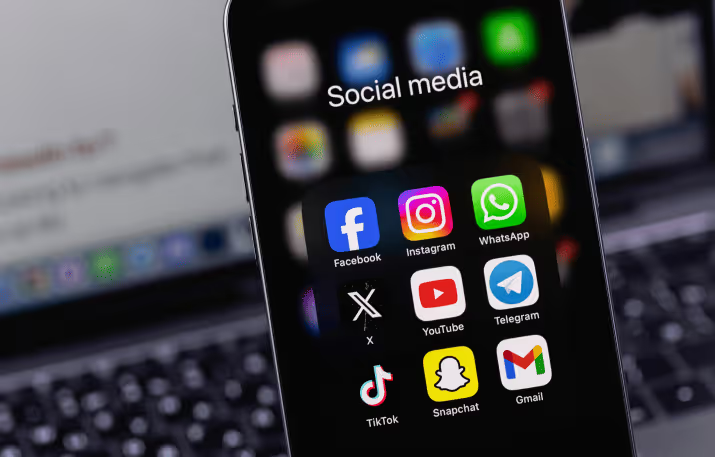
Social Media for General Public
Mainstream apps like Instagram and TikTok dominate the general user base, but there’s still room for new players offering focused content, innovative user experiences, or greater privacy controls.
Niche Social Apps
In 2026, the gold is in the niches. Apps that serve specific communities — like professionals, creators, or educators — are seeing stronger user retention and monetization opportunities.
- Business Networks: Tailored to help professionals collaborate, share resources, and grow their careers.
- Learning Platforms: Combine education with community features to boost knowledge sharing.
- Creator Communities: Enable influencers and content producers to monetize directly via their fanbase.
Must-Have Features for a Social Networking App
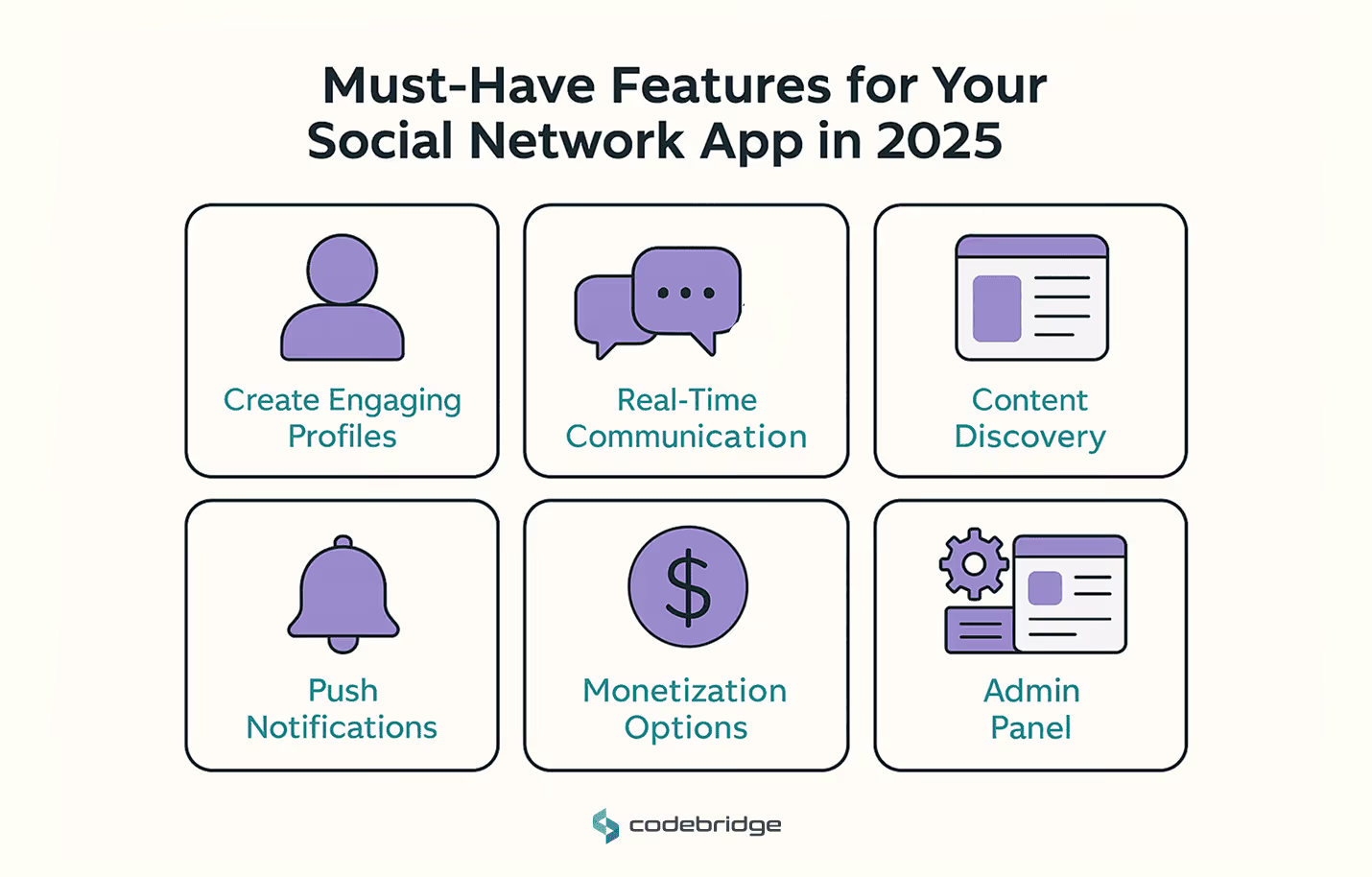
To create a social app that’s engaging and scalable, these features are essential:
User Profiles
Let users define themselves with bios, avatars, and customizable fields. Add privacy settings and follower/following mechanics to build network dynamics.
Chat & Messaging
Real-time messaging both private and group — is critical for any social app. Consider adding voice notes, media sharing, and even disappearing messages.
Content Feed
Support mixed media (videos, posts, links, polls) in an interactive feed with likes, comments, shares, and algorithmic sorting.
Push Notifications
Engage users with alerts about new messages, followers, or trending content. Timely notifications drive repeat visits.
Monetization Tools
Integrate subscription models, tipping, or token-based economies to reward creators and sustain engagement.
Admin Panel
For moderation, user management, analytics, and content oversight. A good admin interface is crucial for platform health.
Recommended Tech Stack for Social App Development
Choosing the right tools directly impacts speed, scalability, and maintainability.
- Cross-platform: Flutter, React Native
- Backend: Node.js, Python
- Cloud: AWS, Azure
- Database: PostgreSQL, Firebase
These tools support modern app architecture with excellent community support and cloud-native capabilities.
How Much Does It Cost to Develop a Social Media App?
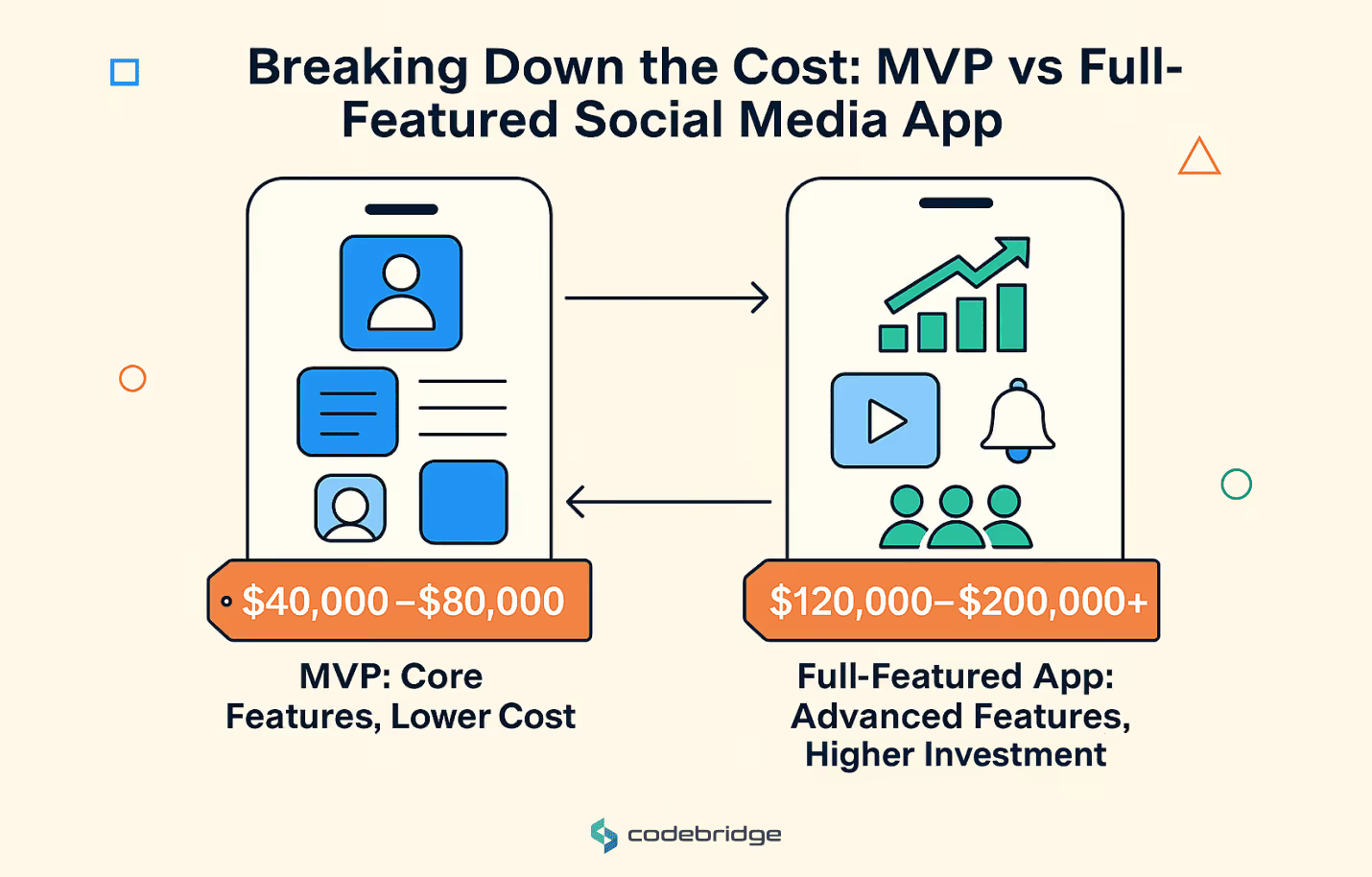
Basic Estimate
- MVP (basic features): $40,000–$80,000
- Full-featured version: $120,000–$200,000+
Factors That Affect the Price
- Complexity of design and UX
- Volume and type of content handling
- Realtime features (chat, notifications)
- Platform support (iOS, Android, Web)
- Backend infrastructure needs
- Team size and geographic location
Budget Planning Checklist
- Prioritize must-have vs. nice-to-have features
- Plan for scale (cloud, database)
- Reserve budget for QA and DevOps
- Include marketing and user acquisition costs
Case Studies: Social Networking Projects by Codebridge
Here are three successful social networking platforms we’ve helped bring to life:
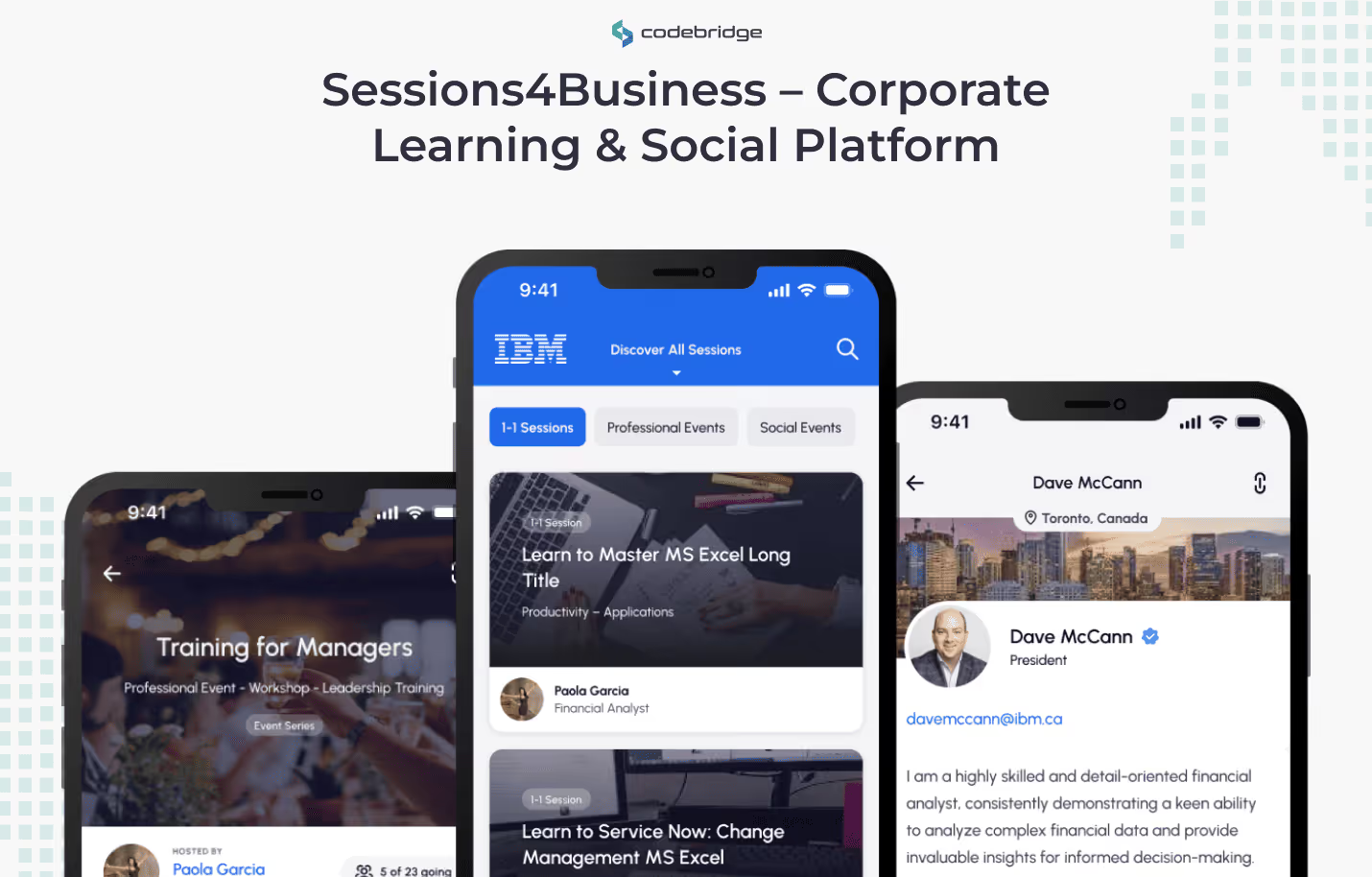
Sessions4Business – Corporate Learning & Social Platform
About the Project
Sessions4Business empowers staff in medium and large companies to connect through learning and social experiences. It reduces training costs, enhances collaboration, and fosters a culture of continuous improvement and knowledge sharing.
Main Features
- Personalized learning tracks
- Group discussions and social walls
- Webinars and expert sessions
- Peer-to-peer recognition and messaging
Tech Stack
- Frontend: Flutter, React
- Backend: .NET
Result
The platform makes it easier for employees to interact across departments, helping companies invest in internal talent while nurturing a connected workforce.
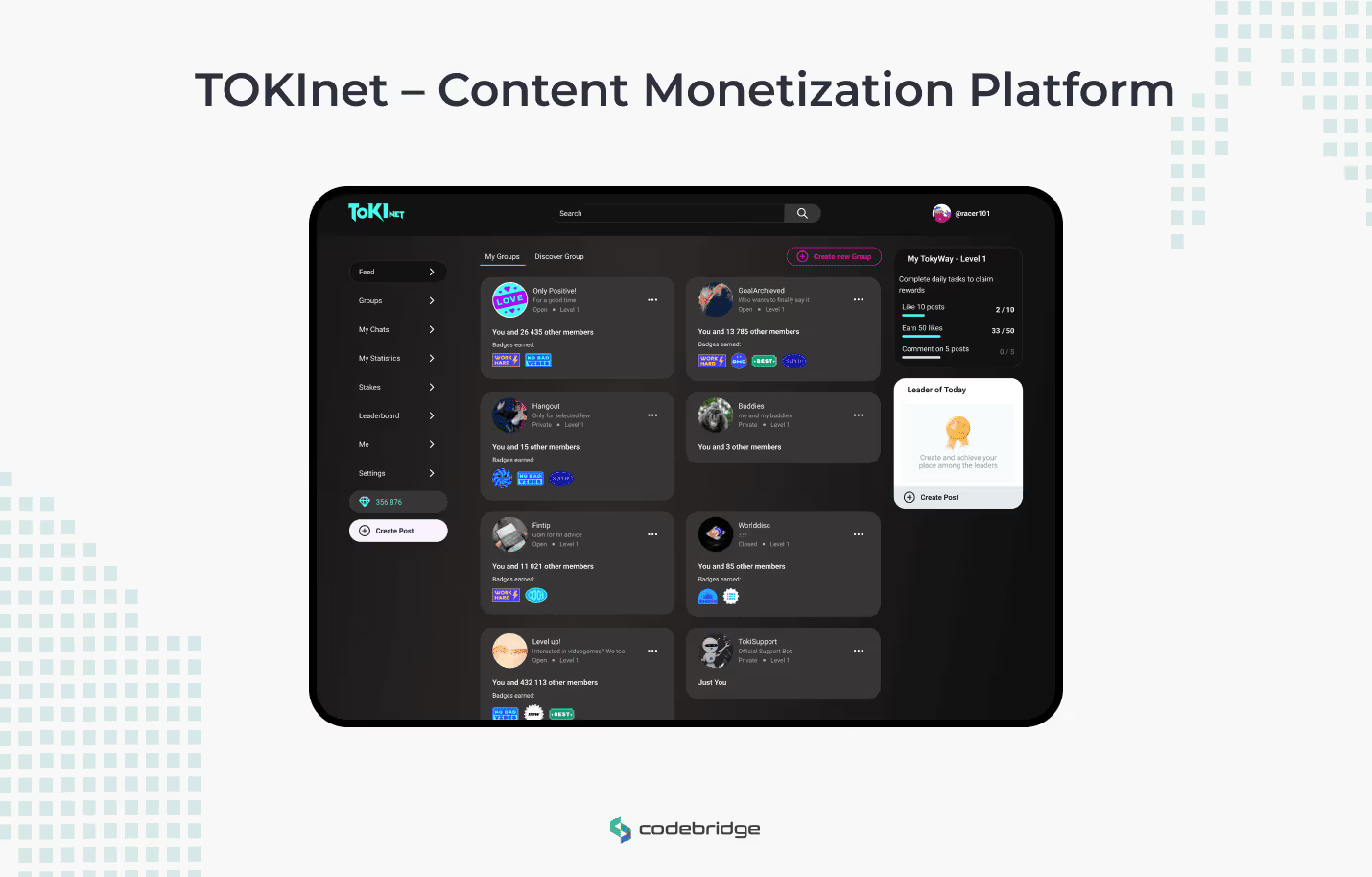
TOKInet – Content Monetization Platform
Tokinet is a customizable community social network designed for content creators. It enables users to share media-rich content and earn through token-based rewards, all while giving administrators the power to tailor the platform to their community's needs.
Key Challenges
- Boosting engagement and interaction
- Providing extensive customizability for non-tech admins
- Implementing a secure and seamless token economy
Main Features
- Content creation (videos, articles, polls)
- Reactions, comments, and sharing
- Token-based tipping and rewards
- Admin configurability without coding
Tech Stack
- Frontend: React, Angular
- Backend: Vue.js
Result
Successfully launched with high early engagement. Users praised its ease of use, customizability, and seamless reward system. The platform is now poised for rapid community-driven growth.
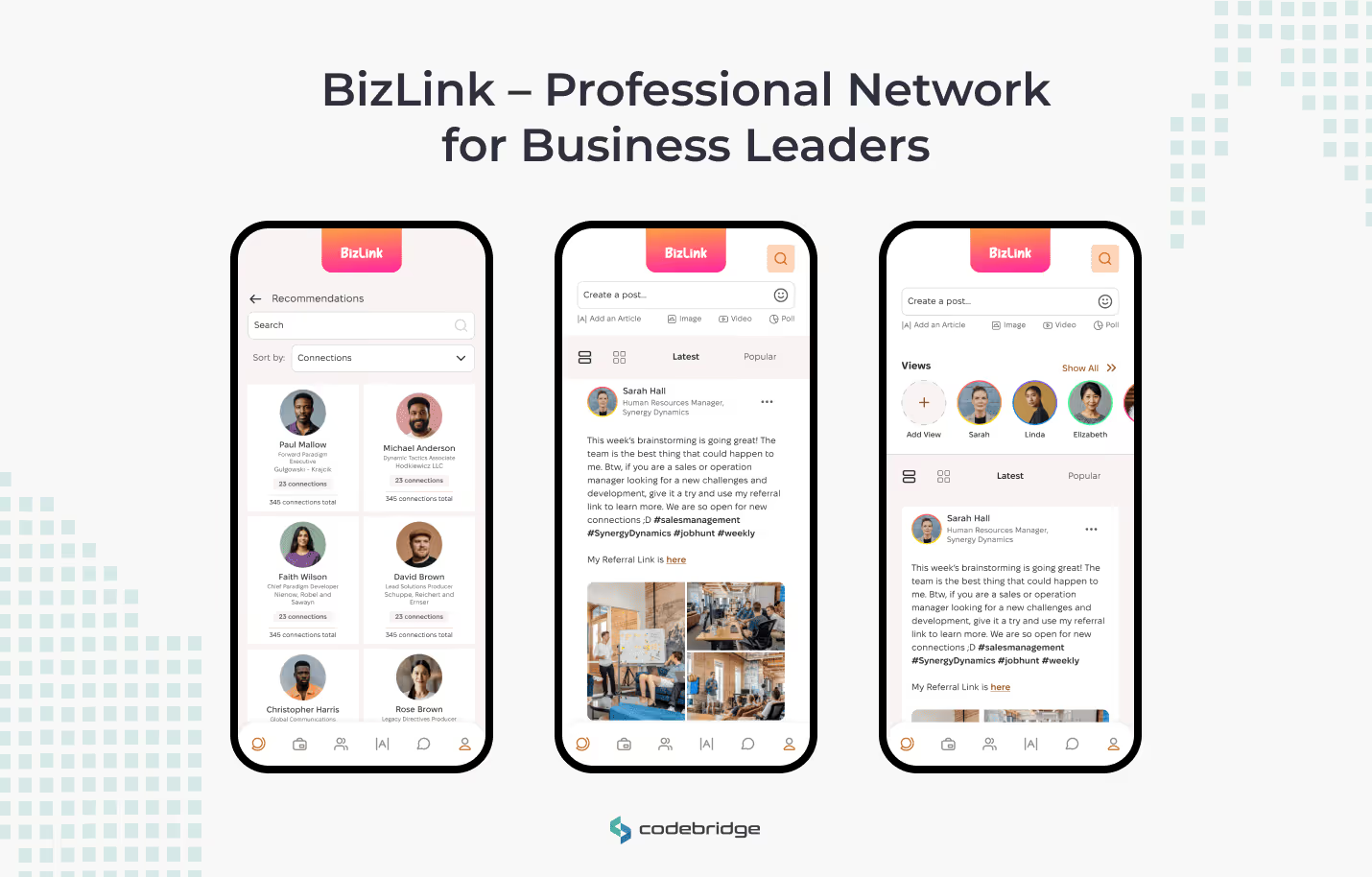
BizLink – Professional Network for Business Leaders
BizLink was developed as a dedicated social network for professionals looking to grow their businesses, collaborate, and access valuable resources. The goal was to support meaningful networking in a secure and scalable environment.
Key Challenges
- Ensuring high engagement among busy professionals
- Protecting sensitive data
- Supporting future scalability
Main Features
- Business-centric user profiles
- Industry-specific content feed
- Messaging and collaboration tools
- Event announcements and RSVP features
Tech Stack
- Frontend: React, Angular
- Backend: Node.js
Result
Praised for its intuitive UX, security measures, and business-relevant features. BizLink has become a reliable platform for professionals to network and grow their careers.
Why Now Is the Best Time to Build a Social Network App?
If you’ve been considering how to create a social networking app, 2026 offers a landscape of untapped opportunities. Users are actively seeking alternatives that respect their time, data, and specific interests. With the right idea and partner, your app can make a real impact.
At Codebridge, we’ve helped clients make a social network app that not only launches successfully but scales with purpose. Whether you’re targeting creators, professionals, or learners — we’re here to bring your vision to life. Contact us to discuss your project!
FAQ
What are the key steps to making a social network app from scratch?
The key steps include defining your niche, conducting market research, choosing the right feature set, creating UX/UI designs, selecting a tech stack, building the MVP, and testing thoroughly before launch. Iterating based on user feedback ensures your app grows effectively.
What essential features should every social network app include?
Core features include user profiles, news feeds, friend or follower systems, messaging, notifications, content sharing, and search functionality. Additional features like live streaming, groups, stories, and AI-driven recommendations can boost engagement and retention.
How much does it typically cost to develop a social network app?
Costs vary widely depending on complexity, design requirements, backend architecture, and development team rates. A basic MVP may cost tens of thousands of dollars, while a full-featured social platform with advanced AI or video features can require a significantly higher investment.
Which tech stack is best for building a modern social network app?
Popular choices include React Native or Flutter for mobile, React or Vue for web, and Node.js, Django, or Ruby on Rails for backend development. Real-time features often rely on WebSockets, while cloud platforms like AWS or Google Cloud support scalability.
How can startups ensure strong user engagement in their social app?
User engagement increases with personalized content, gamification, community-driven features, and smooth user onboarding. Push notifications, smart recommendation algorithms, and interactive elements help keep users active and returning to the platform.
















Heading 1
Heading 2
Heading 3
Heading 4
Heading 5
Heading 6
Lorem ipsum dolor sit amet, consectetur adipiscing elit, sed do eiusmod tempor incididunt ut labore et dolore magna aliqua. Ut enim ad minim veniam, quis nostrud exercitation ullamco laboris nisi ut aliquip ex ea commodo consequat. Duis aute irure dolor in reprehenderit in voluptate velit esse cillum dolore eu fugiat nulla pariatur.
Block quote
Ordered list
- Item 1
- Item 2
- Item 3
Unordered list
- Item A
- Item B
- Item C
Bold text
Emphasis
Superscript
Subscript